
How to Use Aadhaar to Fetch PPP Family ID Quickly in Haryana
Trying to find your Parivar Pehchan Patra (PPP) Family ID but can’t remember it? No problem — you can Use Aadhaar to Fetch PPP Family ID in just a few simple steps. This is super helpful if you forgot your Family ID or never got it printed after registration. Using your Aadhaar makes the process faster because the PPP system connects your family information with your personal Aadhaar data.
In this guide, I’ll explain exactly how to do it the easy way to Use Aadhaar to Fetch PPP Family ID, what you need, and some friendly tips so you don’t get stuck.
What Is a PPP Family ID and Why Aadhaar Helps
The PPP Family ID is a unique number given to every family in Haryana to access government schemes, benefits, and services based on family details such as income, members, and Aadhaar data.
Sometimes people forget this number, but since Aadhaar is linked to the Family ID database, you can Use Aadhaar to Fetch PPP Family ID to find or retrieve your Family ID quickly.
What You Need Before You Start
Before you begin, make sure you have:
Once you have these, you’re ready to fetch your Family ID. and Also Reactivate Deactivated Family ID Haryana – Click here to follow the complete step-by-step guide and restore your deactivated ID easily.
How to Check If Your Aadhaar Is Linked with PPP Family ID
To check if your Aadhaar is linked with the PPP Family ID, follow these steps:
Go to the PPP Family ID page and select the “Check Link Status” option.
Enter your Aadhaar number and the registered mobile number.
If your Aadhaar is linked, the system will show the message “Aadhaar Linked to Family ID.” Otherwise, you may need to update the details or visit a local service center.
Documents Required to Fetch PPP Family ID Using Aadhaar
To fetch your PPP Family ID using Aadhaar, make sure you have the following documents ready:
Step‑by‑Step: How to Use Aadhaar to Fetch PPP Family ID
Here’s the easiest way to do it:
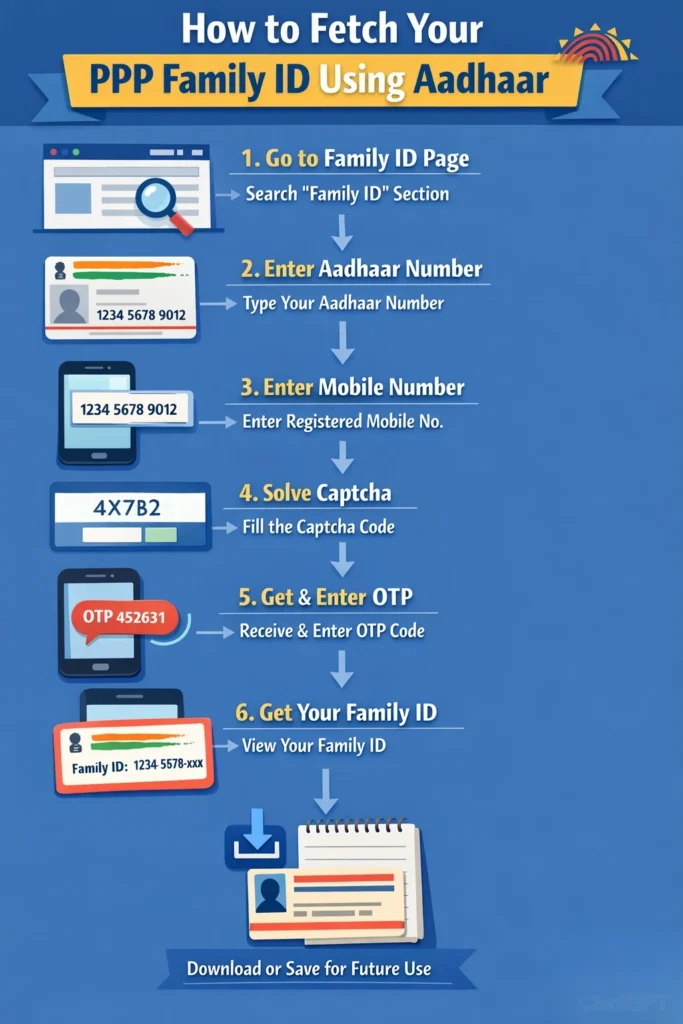
Go to the Family ID Page
Open the official Parivar Pehchan Patra section where you can search for your Family ID using Aadhaar. This section is usually under “Search Family Data” or “Forgot Family ID.”
Enter Your Aadhaar Number
Type in your Aadhaar number as it appears on your Aadhaar card.
Enter Your Mobile Number
Next, enter the mobile number that is registered with this Aadhaar. This is important because the system will send an OTP that you need to proceed.
Solve the Captcha or Verification Code
The portal may ask you to fill a simple captcha (a code shown on the screen). Enter it correctly to move ahead.
Send and Enter OTP
Click on the option to send OTP. You will get a message on your mobile phone.
Type in the OTP carefully. This verifies your identity and connects your Aadhaar to your Family ID.
Your Family ID Will Appear
Once the OTP is verified, the portal will show your Family ID on the screen, and depending on the system you can download or note it down for future use.
What You Can Do After You Use Aadhaar to Fetch PPP Family ID
After you find your Family ID using Aadhaar:
Save or write it down so you don’t forget
Use it to log in to the PPP portal
Download your Family ID as a PDF
Use your Family ID to apply for government schemes or check your status
Tips to Make It Faster and Easier
Here are some useful tips to avoid delays:
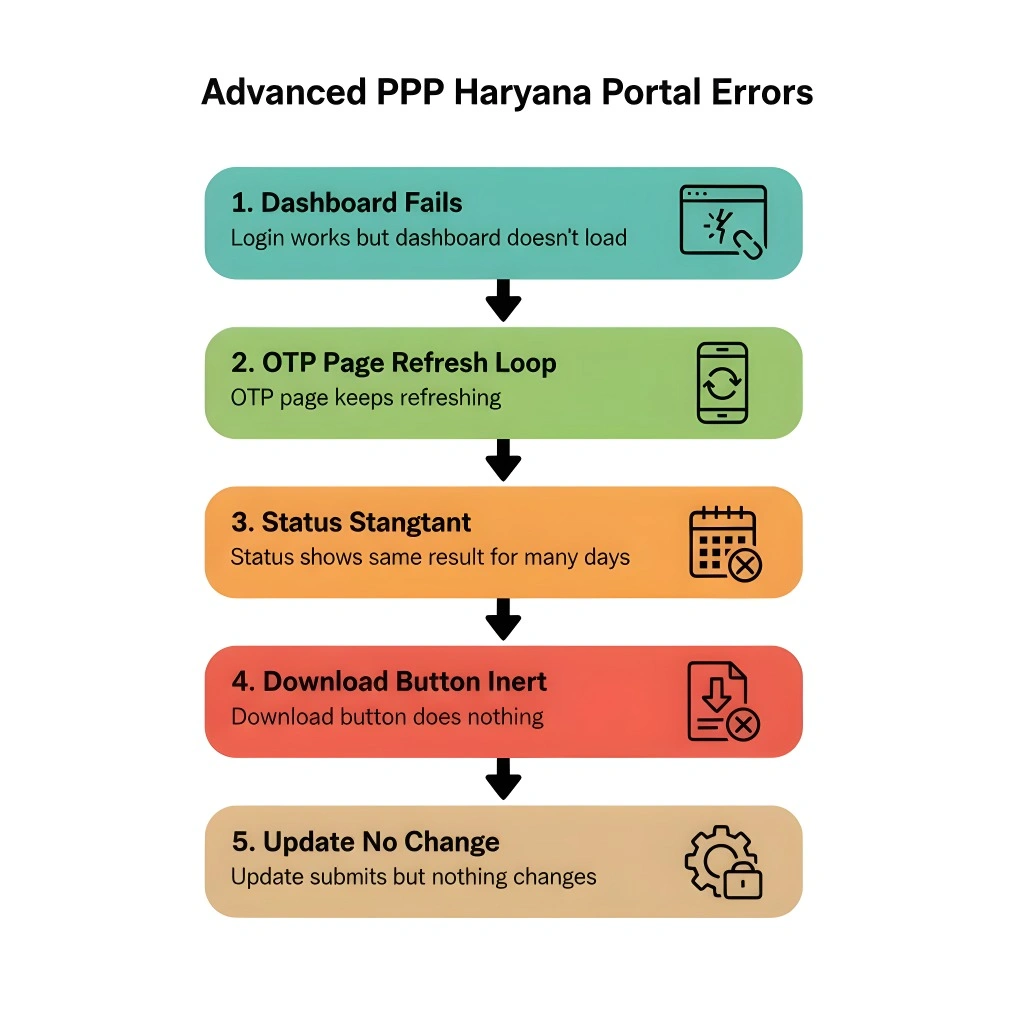
Common Problems and Quick Fixes
Here are some problems you might face and how to fix them:
Check your mobile signal, and make sure your number is linked correctly to Aadhaar.
This might happen if your Aadhaar isn’t fully linked to the database. Try to update your Family ID details or visit a local service center for help.
Try refreshing after a few minutes. Sometimes government portals slow down when many people are online.
FAQs About Use Aadhaar to Fetch PPP Family ID
Final Thoughts
Use Aadhaar to Fetch PPP Family ID, is one of the quickest ways to get your Family ID without stress, especially if you’ve forgotten it. Just enter your Aadhaar, verify with OTP, and your Family ID will pop up.
If you follow the steps carefully and keep your documents ready, you can do it in just a few minutes — and that makes accessing government services much easier.


