
Complete Guide to Report Errors to Haryana Family ID Help!
Everyone using the Haryana (Parivar Pehchan Patra) PPP Family ID system can sometimes make mistakes or see wrong details in their record. It is important to know how to fix mistakes and Guide to Report Errors so your family benefits stay correct. This guide explains the steps in simple language and gives tips that really help.
What is Haryana Family ID?
The Family ID is a unique number that contains details for your whole family. It helps you access government welfare schemes, pensions, rations, scholarships, and more. Families in Haryana have an 8-digit Family ID called Parivar Pehchan Patra.
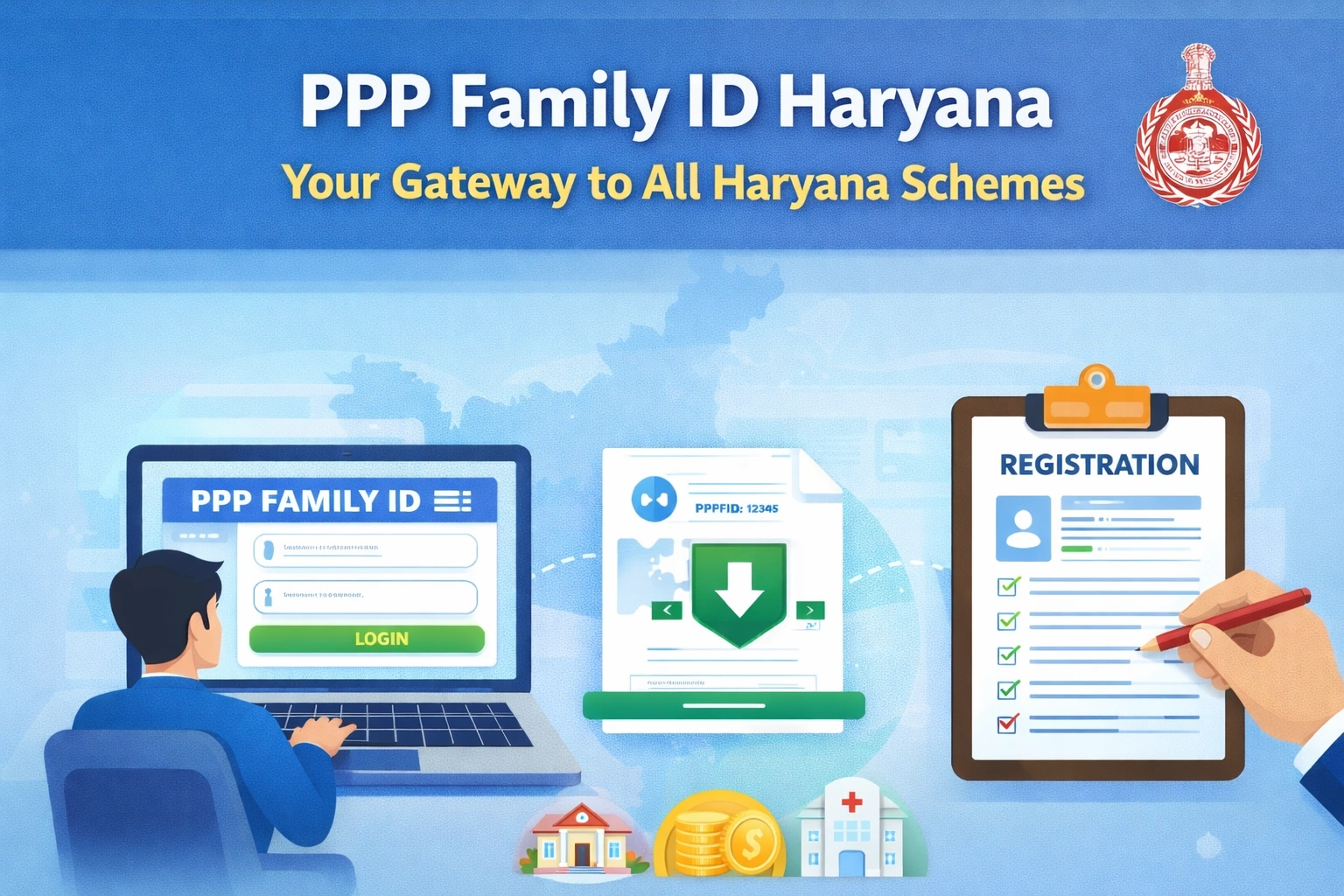
Why You Must Fix Errors
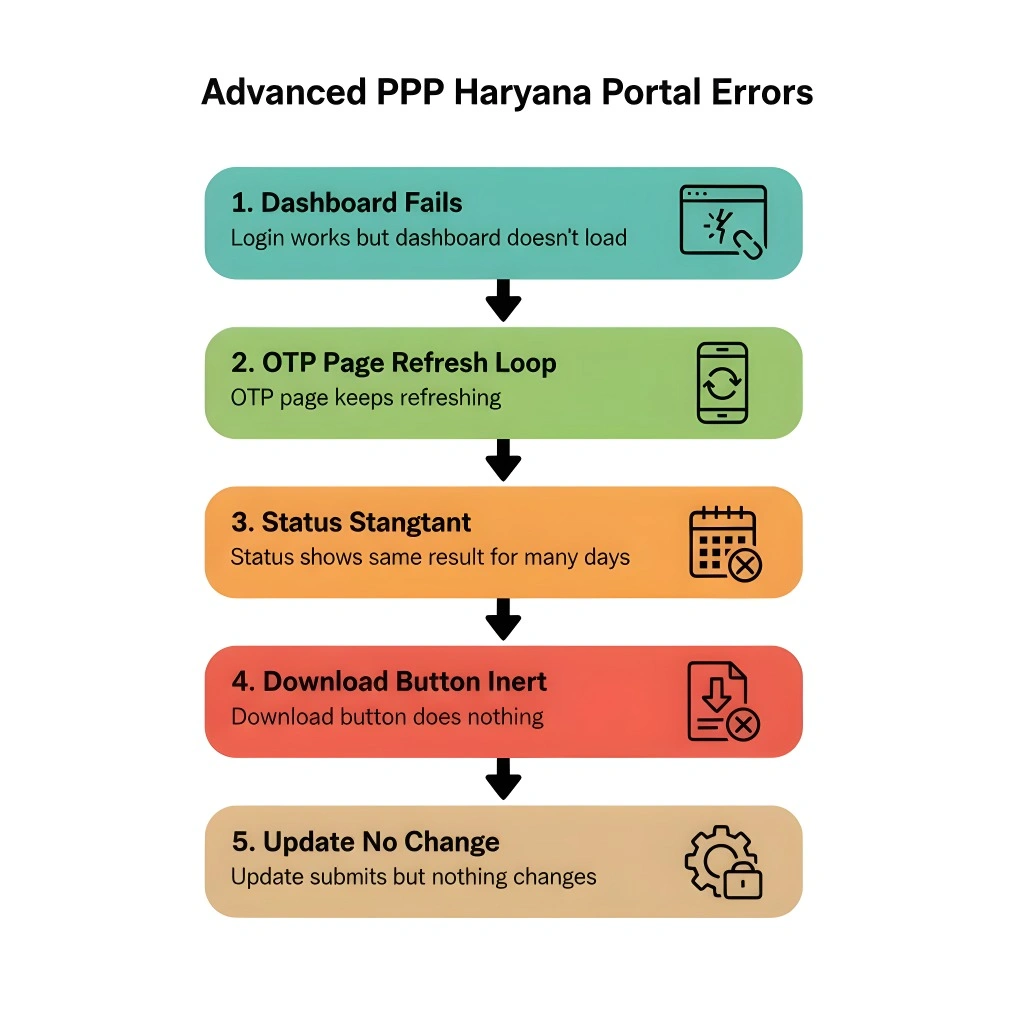
Mistakes in your Family ID record can stop you from getting benefits. Common errors include wrong name, wrong date of birth, incorrect mobile number, wrong income details, or members missing or added by mistake. These problems can be fixed if they are reported or by help of Guide to Report Errors. And Also How Online Portal Glitches Affect Your Haryana PPP Family ID – Understand common portal errors and how they impact your Family ID data and benefits.
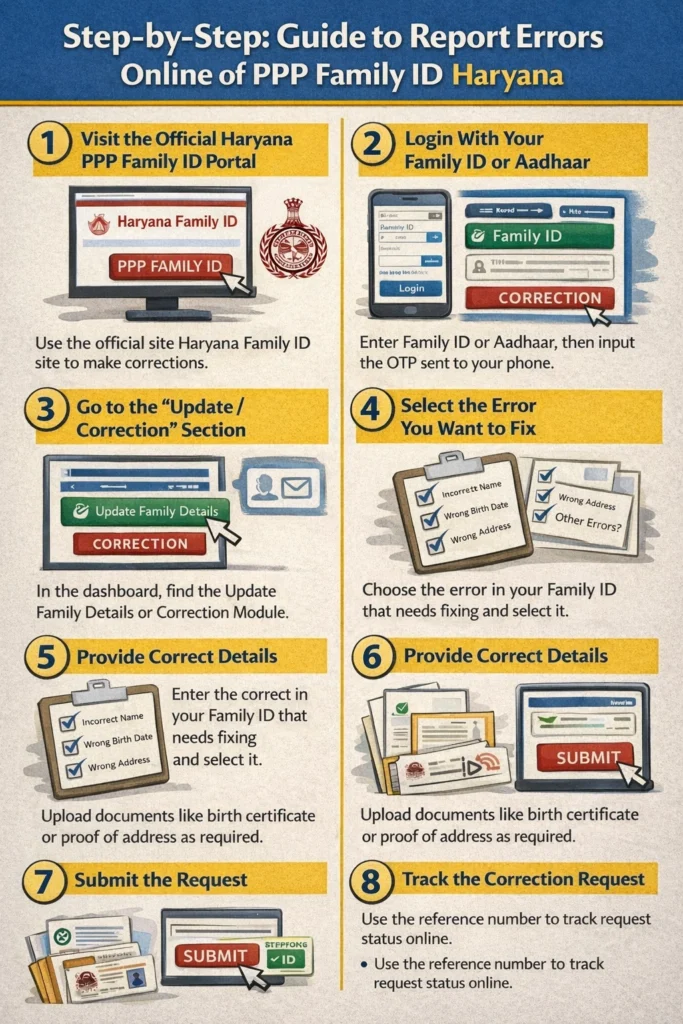
Step by Step: How to Guide to Report Errors Online
You must follow these simple steps for Guide to Report Errors Online:
Visit the Official Haryana PPP Family ID Portal
Use the official Haryana Family ID site to make corrections. This is the safest way to Guide to Report Errors with your Family ID.
Login With Your Family ID or Aadhaar
You must log in using either your Family ID or Aadhaar number of the family head. After entering the number, an OTP (one time password) will be sent to the registered mobile number. Enter this OTP to proceed.
Go to the “Update / Correction” Section
Once logged in, find the Update Family Details or Correction Module section in your dashboard. This is where you can report changes or errors in any part of your Family ID record.
4. Select the Error You Want to Fix
Choose the type of mistake you see in your Family ID. For example:
1.Name spelling incorrect
2.Wrong date of birth
3.Wrong address
4.Incorrect mobile number
5.Missing family member
6.Wrong income details
Provide Correct Details
After selecting the mistake, enter the correct details. Be careful and double check before you submit.
Upload Supporting Documents if Needed
Some corrections may need proof. For example:
1.Birth certificate for date of birth changes
2.Aadhaar update documents
3.Address proof for address corrections
4.Always use clear and readable files.
Submit the Request
After entering all corrected information and uploading documents, click Submit. You will receive a reference number. Save it to track your request later.
Track the Correction Request
You can check the status of your update request by logging back into the portal and entering your reference number, Family ID, or Aadhaar number. It shows whether your correction is pending, approved, or needs more info.
If Online Update Does Not Work
Sometimes the error may require help from support or an official service centre. You can do this too by help of Guide to Report Errors:
If the website is not working or your correction needs human support, visit your nearest CSC or Saral Service Centre. They are trained to help with Family ID updates.
If you cannot reach online or visit a centre, call the official Family ID support line or send an email to the official help address provided by the PPP portal.
Helpful Tips
Common Problems and Quick Fixes
OTP is not coming
Check if the mobile number is linked with your Aadhaar. If it is not, update it first at the portal or at a service centre.
Details still show wrong after update
Wait a few days. Sometimes verification takes time. If it stays wrong after many days, revisit the portal or contact help support.
Frequently Asked Questions
Final Thoughts
Guide to Report Errors in your Haryana Family ID is an essential process to ensure you continue receiving your entitled benefits. By following the simple steps above, you can easily correct mistakes and keep your records up to date. Remember to double-check your details, upload the necessary documents, and keep an eye on your correction status. If the online process doesn’t work, don’t hesitate to visit a service centre or call customer support for help.


