
PPP Family ID Mobile App: Features, Limits & Common Problems
If you’re in Haryana and dealing with Parivar Pehchan Patra (PPP) — also called Family ID — you might be wondering whether there’s a PPP Family ID Mobile App, what it can do, and what issues you may face. This article breaks it all down in simple language so you get clarity fast.
What is PPP Family ID in Haryana?
PPP Family ID is a unique family identification number created by the Haryana Government to store key details about your family like members, Aadhaar, income, address, and more. It helps you get government benefits like pensions, scholarships, subsidised ration, and other welfare services more easily because the data is already stored in one place.
Is There an Official PPP Family ID Mobile App?
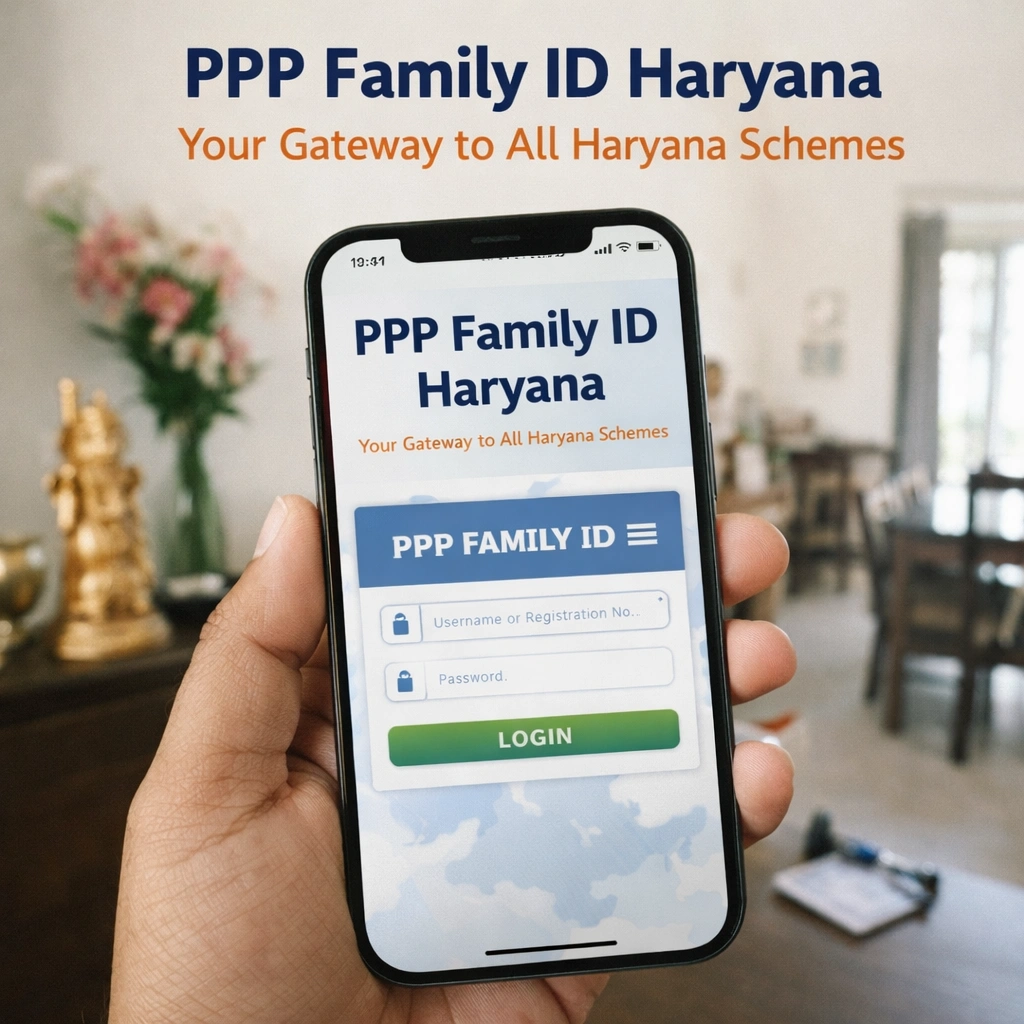
As of now, there is no official PPP Family ID Mobile App released by the Haryana Government for PPP Family ID services. Most people must use the official website or visit a centre to do things like check status, update details, or download the Family ID.
There are some third-party Android apps claiming to provide PPP services, but these are not official government apps. They often just display the government website inside the app and may not be secure or reliable.
What Features People Expect from a PPP App
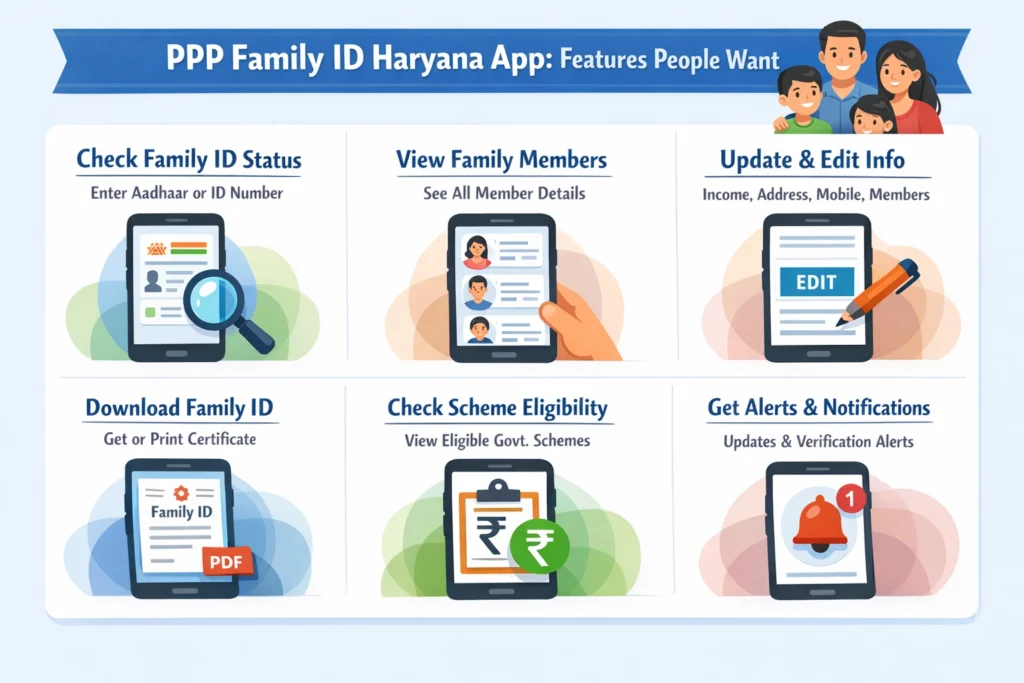
Even though there’s no official app yet, here are features people want from a real PPP Family ID Mobile App:
Check your Family ID status by entering Aadhaar or ID
View all family member details stored in PPP
Update income, mobile number, address, and family members
Download or print the Family ID certificate
See which government schemes you’re eligible for
Push alerts for updates or document verification
These features would make life easier because you wouldn’t need a computer or to visit a centre every time.
Limits of Existing PPP Access Options
Right now, here’s what you can and cannot do without an official app:
What you can do:
What you cannot do:
Cannot Download an official PPP app from Google Play or App Store
Update all details easily from mobile browsers
Third-party apps may not work well or may show errors
These limits make it harder for people who are not comfortable with websites and prefer apps. And Use your Family ID to streamline applications for government housing schemes easily.
Common Problems Users Face
Here are the main problems people run into when trying to manage PPP Family ID:
Sometimes the PPP website takes time to load on phones.
OTP or login failures are common if your mobile number is not updated.
Changes entered on the portal don’t reflect immediately or get “pending” status.
Since there’s no official PPP Family ID Mobile App, users rely on phone browsers which are not optimised.
Some third-party apps claim to help with PPP but are not connected to the government, and these can cause confusion or privacy issues.
Tips to Make Things Easier
Even without an official app, you can still do most PPP tasks efficiently with these simple tips:
Keeping these tips in mind will save you time and avoid frustration.
FAQs
Final thoughts
Right now, there is no official PPP Family ID mobile app for Haryana. You can use the official website to get most services and updates. People expect PPP Family ID Mobile Apps to make things smoother, but until an official one is released, it’s best to stick with trusted government platforms and avoid unofficial apps that can cause problems.
If you keep your mobile number updated and use the official portal, you can still manage your Family ID details without too much hassle.


