
Update Family ID After Marriage, Birth, or Death Easily 2026
Updating your PPP Family ID after major life events — like marriage, a new baby, or the loss of a loved one — is something many people need to do. I’ll guide you step by step on how to update Family ID Haryana after marriage, birth, or death, so you can complete the update process easily without any stress.
What is a Family ID?
A Family ID is a record in the government database that shows your family members and their relationship to you. It helps in official processes such as applying for documents, benefits, travel, and more. Updating this record keeps your information accurate. Let’s look at how to do it after life events.
Updating Family ID After Marriage
Getting married changes your family status, and you’ll want updating Your Family ID after marriage to reflect that.
Here’s how it generally works:
Get Your Marriage Certificate
Visit the Relevant Registration Office or Use an Online App
Request to an Update Family ID:
Check Your New Record
Tip: Carry clean copies of your ID and marriage certificate to avoid extra trips.
Updating Family ID After a Birth
Adding a newborn is an important update to your family id after birth for record.
Steps to follow:
Go to your local government office to register your baby’s birth and get a birth certificate. This is essential before updating the family ID.
Once you have the birth certificate, visit a registration office or use online services to Update Family ID. You will need:
- Your ID
- The baby’s birth certificate
- Parents’ IDs
The office or online portal will add your child as a family member in the system.
Tip: Update early — some services (like school or passport) will ask for an update family id record.
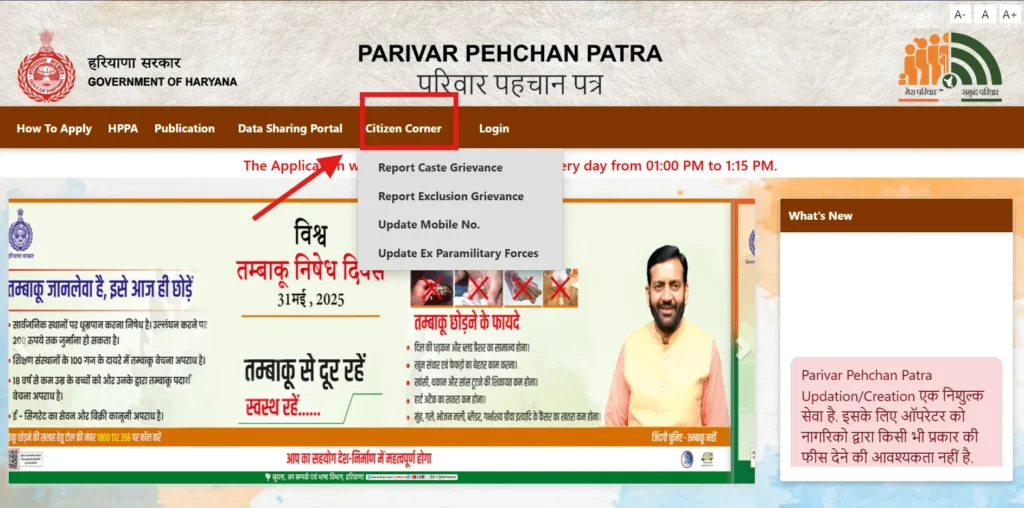
Updating Family ID After Death
Updating your family ID after death, losing a family member is about closing their record and keeping official data correct.
Here’s what to do:
Get a Death Certificate
First register the death at the relevant office. You’ll receive a death certificate.
Go to the Registration Office or Use a Mobile App
With the death certificate and the deceased person’s ID, visit the registration office or use a digital service.
Update Family ID
Submit the documents to request that the family record be updated to reflect the death.
Destroy Old ID (If Required)
In some cases, the old ID of the deceased is surrendered and destroyed to prevent misuse.
Tip: Keep copies of all documents before submitting them in case you need them later.
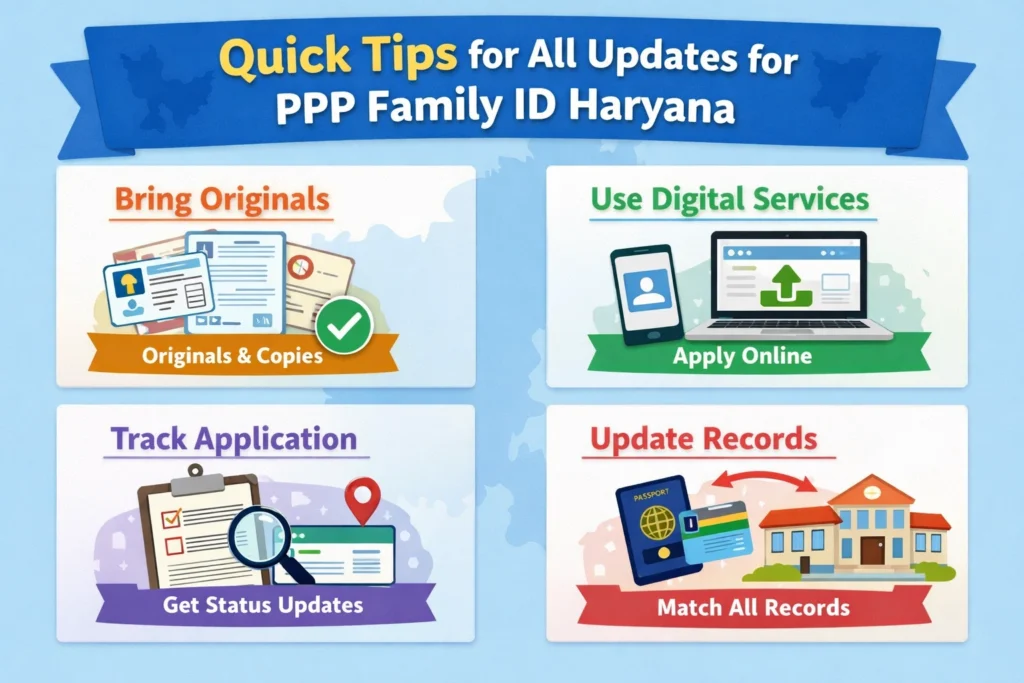
Quick Tips for All Updates
Bring originals and copies — it speeds up the process.
Many regions have apps or online portals that let you upload documents and track your application.
After submitting your request, ask for a tracking number so you can follow the progress.
If you updated your name, marital status, or family composition, make sure it matches your passport, bank records, school records, etc.
Why Updating Family ID Matters
Updating your family ID helps you:
Keeping your information correct makes life smoother.
FAQs:
Final Thoughts
Updating your family ID after major life events might seem a bit confusing at first — but once you know the steps, it becomes straightforward. With most regions moving toward digital services and mobile apps, you can often do it without standing in long queues.
Just remember: register first (birth, marriage, death), then update family ID.


