
Why Some PPP Family members missing After Family ID Update
Updating your PPP Family ID — whether you’re adding a new member, correcting a name, or changing other details — should show up instantly. If some family members are missing after updating your Haryana PPP Family ID (Parivar Pehchan Patra), don’t panic. There are several common reasons why this can happen. Let’s break it down and explain what might be going wrong.
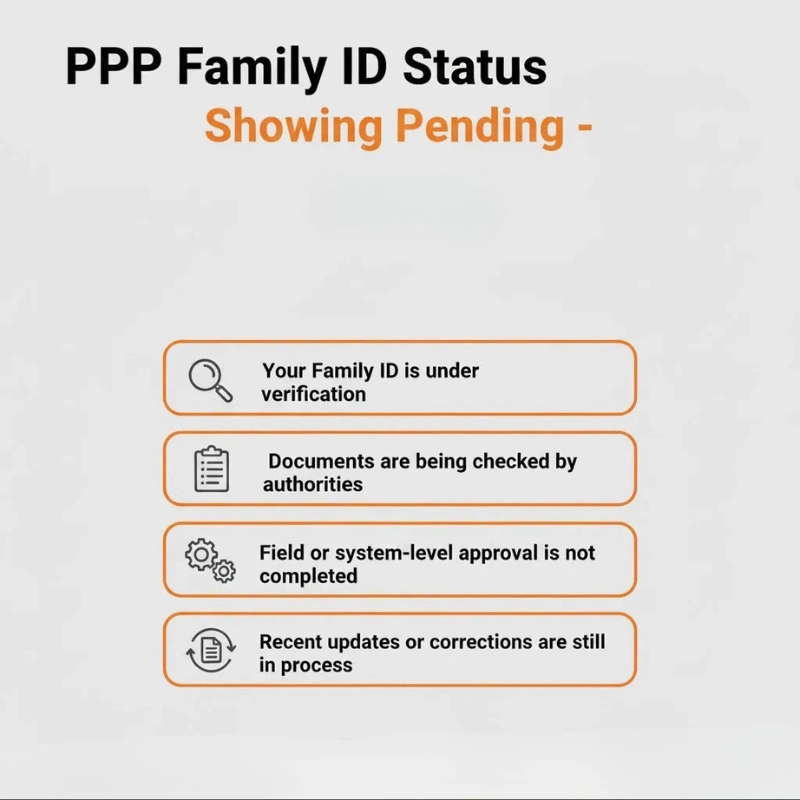
Pending Verification After Update
After you submit your update request, it usually goes through a verification process.
Why this happens:
The update may be waiting for government officials to review and approve it.
What you can do:
Be patient. This process can take a few days, and the member will show up once the verification is complete.
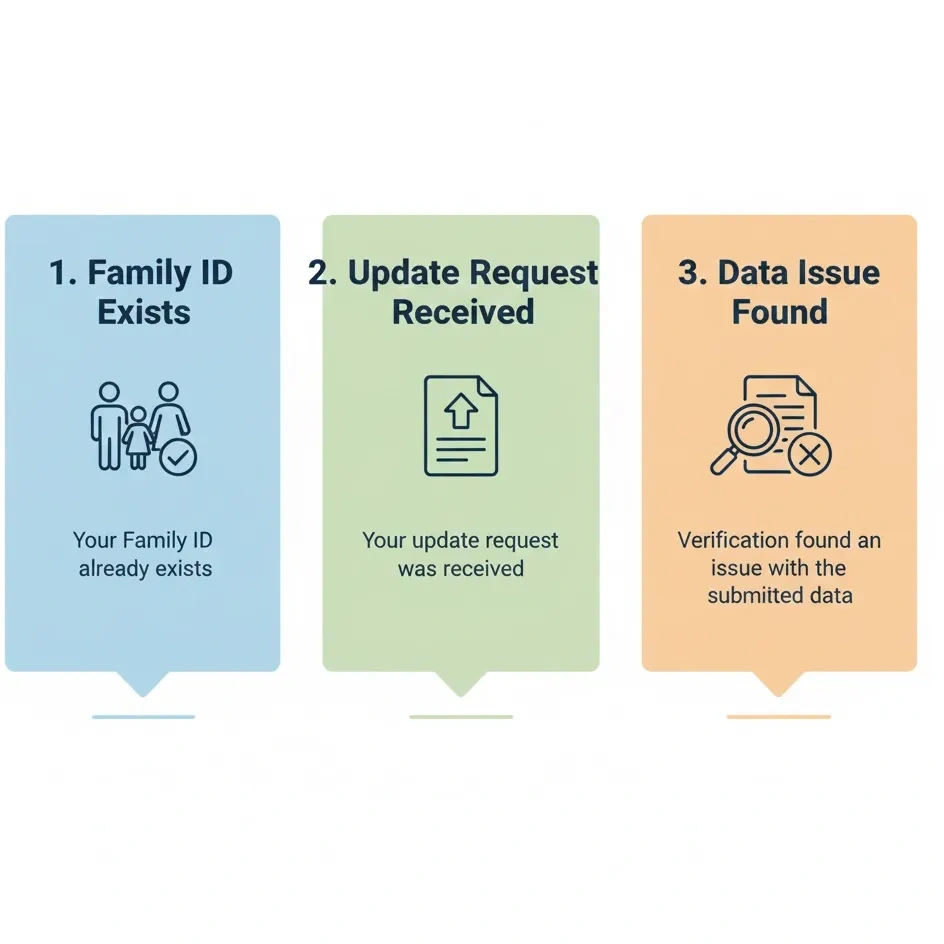
Update Not Fully Processed Yet
Sometimes, even if the system accepts your update, the changes might not appear immediately, and sometimes it shows Family members missing.
Mismatch in Login Details
“If you use a different login method or credentials than the ones you originally registered with, your updates might not appear correctly, which can result in Family members missing from your Family ID.”
The system might not associate your new information with the correct account.
Always log in using the exact Aadhaar number, mobile number, or credentials you used during the initial registration.
Incomplete Documents or Missing Proof
While adding a new family member, unclear or incomplete documents like birth certificates or Aadhaar details can cause Family members missing issues in the Family ID .Correct Income or Name Mistakes Without CSC Visit
Technical Sync Delays on the Portal
Sometimes, the portal experiences delays due to high traffic, system updates, or other technical reasons.
It’s a common temporary glitch in the system.
Wait for a short period, then check again. These delays usually resolve quickly on their own.
What to Do If Members Still Don’t Appear
If you’ve already waited a couple of days and the update still hasn’t apear, follow these steps:
Check your Family ID status: If it says “pending,” the update is still being processed.
Ensure you’re using the correct login credentials: Log in with the exact details you used during registration.
Confirm all documents are clear and correct: Make sure no document was rejected due to poor quality.
Visit a CSC if needed: If it’s still not showing, you can visit a Common Service Centre to check the status directly.
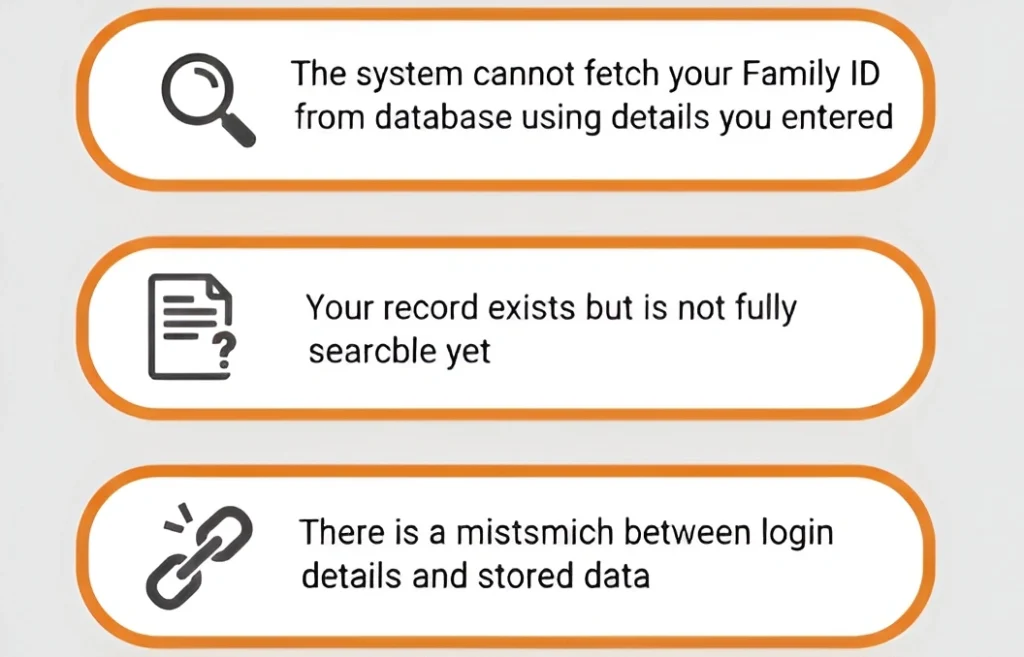
Common Errors That Cause Family Members to Go Missing
Certain errors are often the root cause of missing family members in your Family ID after updates:
Temporary Family ID Updates and Their Delays
Temporary Family IDs are often issued to families outside Haryana. If you’re using a Temporary Family ID, updates might appear late for the following reasons:
The government may take longer to verify updates for temporary IDs.
Temporary Family IDs may not be immediately updated in all systems.
How to Track Your Family ID Update Status Online
Here’s how you can check the status of your Family ID update:
Visit the Official Family ID Portal
Open the official portal for your state.
Log in using your credentials
Enter your Aadhaar number or Family ID and the password.
Navigate to Update Status
Look for the “Update Status” option on the dashboard.
View your status
The portal will show whether your update is pending, approved, or still under review.
Documents Needed for Adding a Family Member
When adding a new family member to your Family ID, ensure you have the following documents:
Aadhaar Card
Ensure the new family member’s Aadhaar is linked to the Family ID.
Proof of Residence
Valid documents like utility bills or rental agreements showing family member’s residence.
Any Other Required Documents
Depending on the state, you may need additional documents like a passport or voter ID.
Tips to Avoid Family members missing After Updates
FAQs
Final Thoughts
If a Family members missing after updating your Family ID, it’s usually due to pending verification, processing delays, or technical glitches. By following the steps above and being patient, you can resolve the issue. If the problem persists, don’t hesitate to visit a CSC for assistance.
This proactive approach will help you ensure that all your family members are properly listed in the system, avoiding any future issues with benefits or services.


