
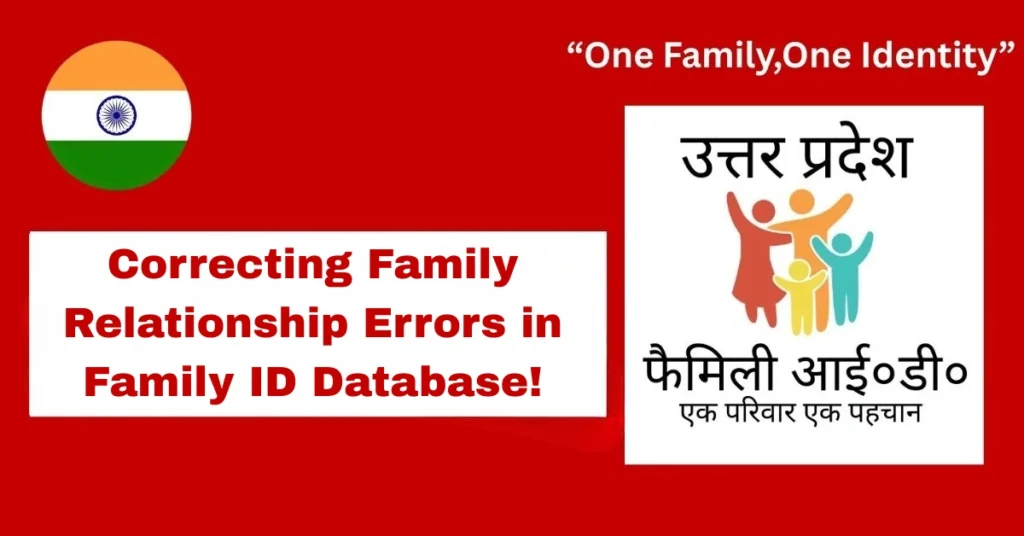
Correcting Family Relationship Errors in Family ID Database!
If you’ve checked your PPP Family ID or family relationship database and noticed mistakes — like a wrong spouse, a child linked to the wrong parent, or a missing sibling — you’re not alone. Correcting family relationship errors is a common need, as these issues often happen due to manual data entry mistakes, system syncing problems, or incomplete information.
The good news is, you can fix it! This guide will walk you through the process in simple steps, so it’s easy to follow.
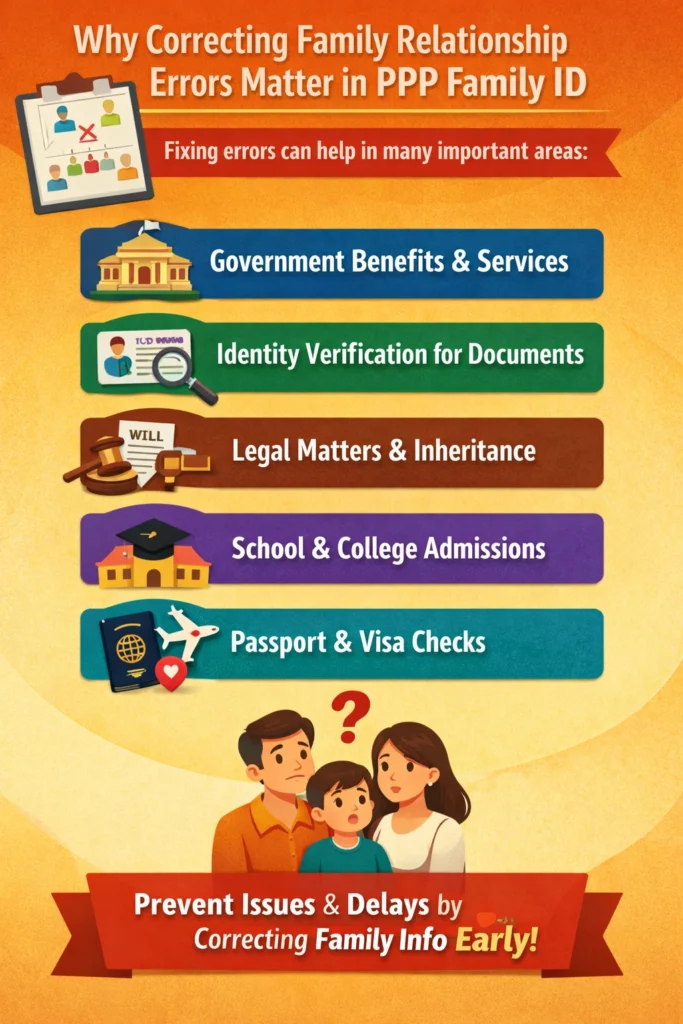
Why Correcting Family Relationship Errors Matter
Correcting family relationships in the database isn’t just about paperwork. It affects several important areas such as:
Government benefits and services
Identity verification for official documents
Legal matters like inheritance or verification
School or college admissions
Passport and visa checks
Fixing errors early prevents complications down the line, ensuring that everything is correct when you need it.
Who Can Request Family Relationship Corrections
These users can submit correction requests to update family relationships officially.
Step-by-Step Guide for Online Correction Requests
- Log in to the Family ID portal
- Review the Family Details section for mistakes
- Wrong spouse listed
- Child linked to wrong parents
- Missing or incorrect sibling
- Edit the person’s details directly if the portal allows
- Remove incorrect links and add correct relationships
- Save changes
- Go to the correction section of the portal
- Select “Correction Request” or “Edit Family Details”
- List mistakes and provide correct details
- Attach supporting documents
- Family ID proofs
- Aadhaar or other ID cards
- Birth certificates
- Marriage or spouse certificates
- Keep your request ID or confirmation number
- Monitor the request status online
- Re-download Family ID once updated
Estimated Time and Approval Process for Corrections
Quick Steps to Correcting Family Relationship Errors
Here’s how you can correcting Family Relationship Errors in your Family ID database:
First, Check Your Family Details Carefully
Before requesting any corrections, review what’s wrong.
Identify Which Relationship Is Wrong
Common mistakes include:
A person listed as your spouse who isn’t actually your spouse.
A child linked to the wrong parents.
A sibling missing or shown incorrectly.
Note these down, as they’ll be useful when filling out the correction form. And Families can use their Family ID to Claim electricity and water subsidies without hassle.
Correct Parent-Child or Relationship Links in the System (If Allowed)
If your system lets you edit relationships directly, follow these steps:
In some family tree systems, you can remove or replace a parent link if it’s incorrect. This helps maintain clean and accurate data.
Submit a Correction Request
If you can’t edit the information directly or the system doesn’t allow changes, follow these steps:
Go to the correction section of your Family ID portal.
Select “Correction Request” or “Edit Family Details.”
List the mistakes clearly (for example, wrong spouse or incorrect parent link).
Provide the correct details and attach any necessary documents like ID cards or official certificates.
This will notify the administrators to review and approve your request.
Upload Supporting Documents Carefully
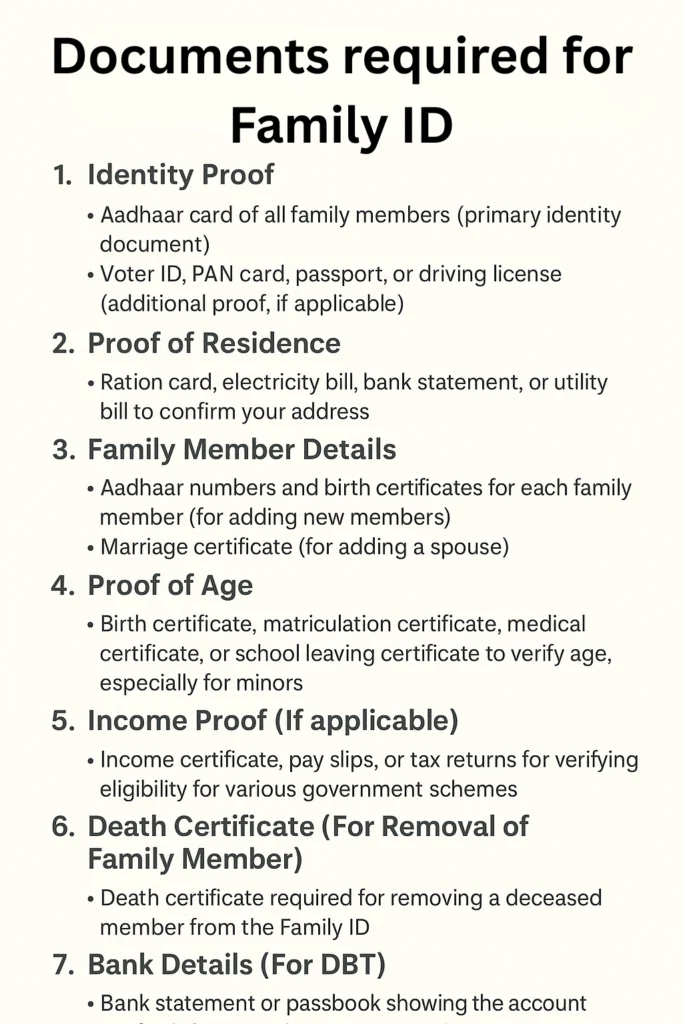
Most correction requests will require proof, such as:
Family ID proofs
ID cards of the family members
Birth certificates
Spouse or marriage certificates
Make sure you attach the correct documents, as this speeds up the approval process.
Track and Confirm the Changes
After submitting your request:
Keep the request ID or confirmation number safe.
Check the status of your request online.
Re-download the Family ID once it’s updated to ensure the changes have been made.
Common Mistakes to Avoid When Submitting Corrections
Submitting incorrect or incomplete documents
Entering wrong names or dates in the correction form
Forgetting to attach supporting proofs
Not tracking the request after submission
Updating old records without checking the latest Family ID details
Avoiding these mistakes helps your correction request get approved faster.
Simple Tips to Make Correcting Family Relationship Errors
Here are a few tips to avoid mistakes and ensure your corrections go smoothly:
Regularly checking and updating your details can help you avoid larger issues when applying for services or benefits.
Frequently Asked Questions (FAQs)
Conclusion
Correcting Family Relationship Errors in a Family ID database is an important task that ensures your details are accurate and up-to-date. While the process may seem a bit tedious, it’s straightforward if you follow the necessary steps. Start by reviewing the information, identify the errors, submit the correction request, and attach the required documents. Keep track of your request and follow up if needed.


