
Common Problems in Family ID Registration & How to Fix Them
Getting your Haryana Family ID is a big step—it opens doors to welfare benefits and simplifies things. But trying to register? You might hit road‑blocks. Whether it’s an Aadhaar mismatch, mobile number issues, or missing documents — these glitches can delay you. Let’s talk about the typical Common Problems, why they happen, and what you can do to get past them. Learn common problems in Family ID registration like Aadhaar mismatch, OTP issues, & missing documents, plus simple fixes to complete your registration smoothly
Aadhaar mismatch or verification failure
Your Aadhaar number, name, date of birth or gender doesn’t match the details you enter on the portal. When that happens the verification stalls.
Your Family ID registration uses Aadhaar to verify you and your family. If that fails, the system treats you as “unverified” and won’t issue the ID.
How to fix it:
Mobile number not linked or OTP not arriving
What happens:
You click “Send OTP” to verify your mobile, but you never get it—or the number is wrong/unlinked.
Why it matters:
Mobile OTP is needed to verify your identity and finalize registration. Without it, the process stops.
How to fix these Common Problems:

Documentation missing or incorrect
You try to upload or submit documents (proof of address, bank passbook, income certificate, family members’ Aadhaar) but they’re missing, unreadable, or do not meet the format.
The portal or service centre needs correct documents to verify your family details. Without them, registration is incomplete or gets rejected.
How to fix it:
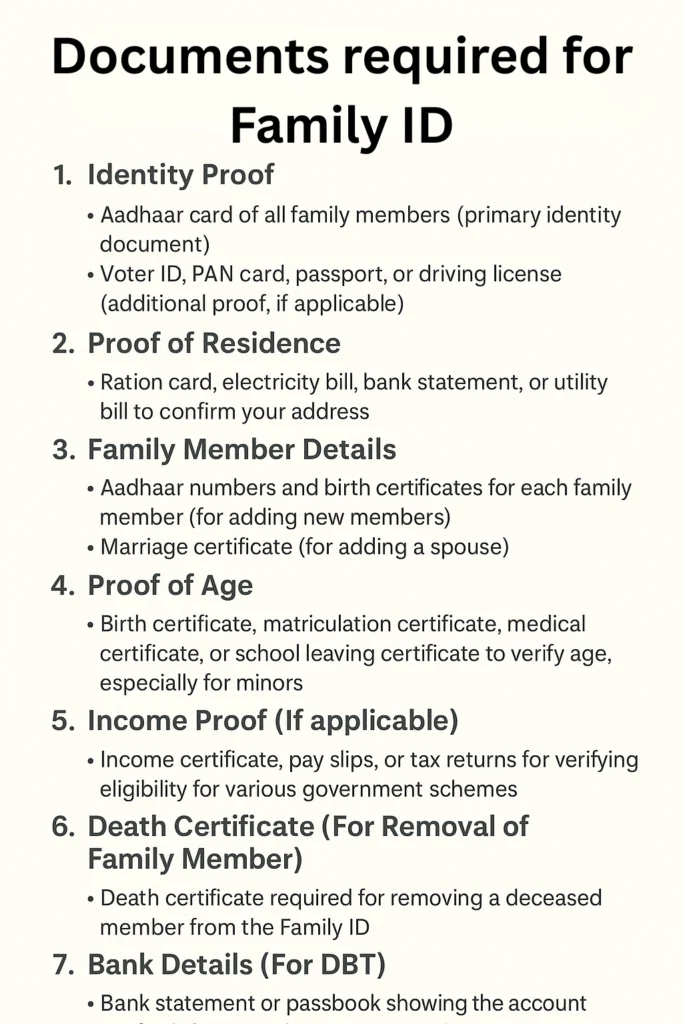
How to Correct Errors in Family ID After Registration
Sometimes, after your Family ID registration is complete, you may notice errors or omissions in your details (such as missing family members, incorrect information, or mismatched data). Here’s how you can fix these issues:
Steps to Correct Errors:
Log into the Family ID Portal: Use your Family ID or Aadhaar number and OTP to access your profile.
Navigate to the ‘Update Family Details’ Section: On the portal, locate the section where you can edit or update the details of your Family ID.
Make the Necessary Changes: Correct any inaccuracies like family member details, addresses, or relations. If you need to add missing family members, use the “Add Family Member” function.
Upload the Updated Documents: If necessary, upload the correct documents (such as Aadhaar copies for new family members, proof of address, etc.).
Submit and Wait for Verification: Once the changes are made, submit the updated details for verification. You’ll be notified once the changes are processed.
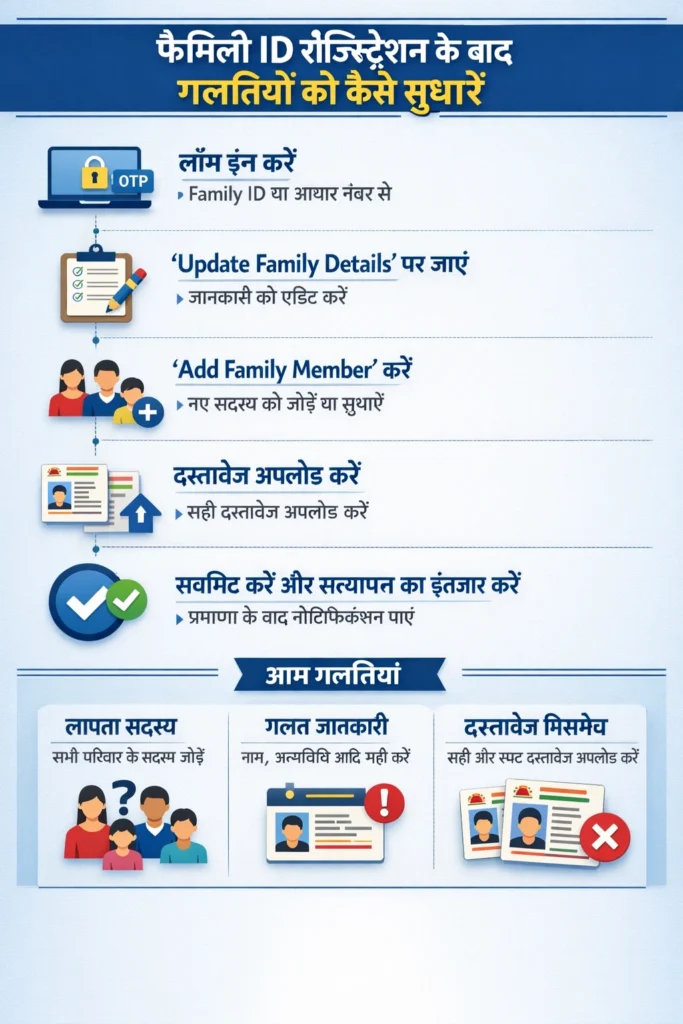
Common Problems, Errors to Fix:
Missing Family Members: Ensure all family members are listed with correct relationships (spouse, children, etc.).
Incorrect Details: Check that the names, dates of birth, and gender match the Aadhaar details.
Document Mismatch: Ensure all documents are clear, legible, and match the details entered.
Family member list or details are inconsistent
What happens: Some family members are missing, or the relation (father/mother/spouse) is entered incorrectly, or the number of members mismatches.
Why it matters: The system checks that your family details are complete. Missing members or wrong relations show as “incomplete” and delay ID issuance.
How to fix it:
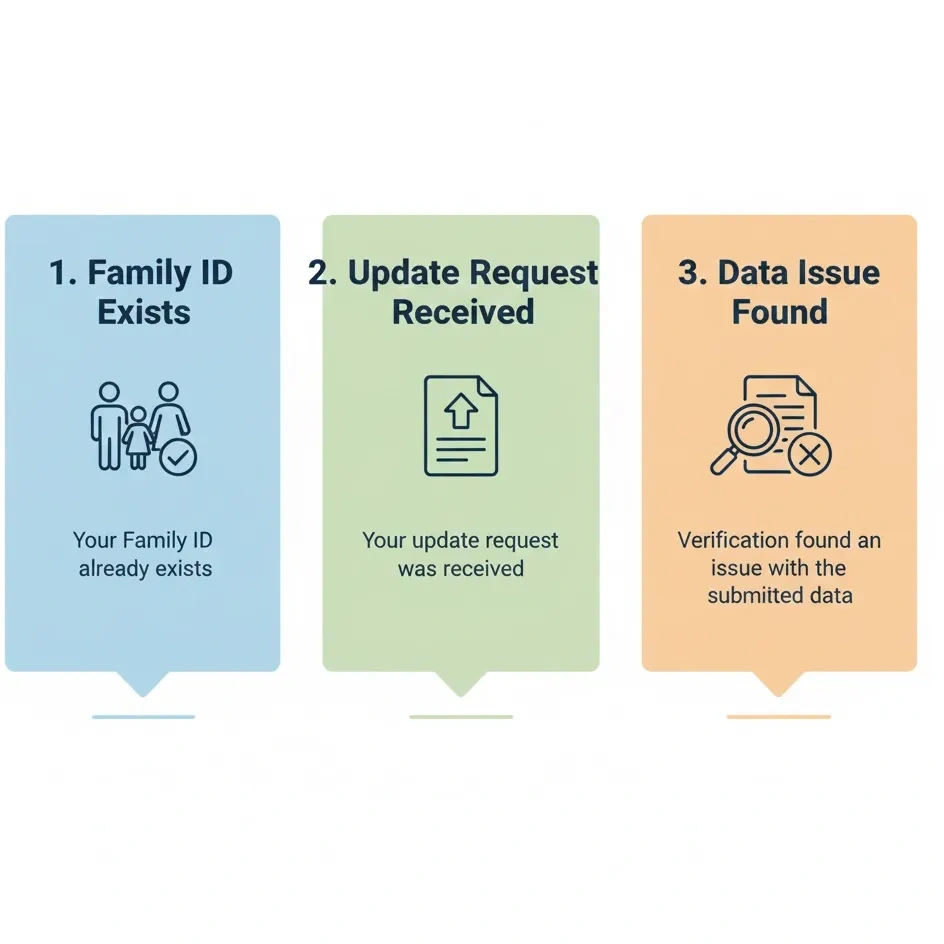
Pending or stuck status
What happens: You’ve submitted all details but the portal shows “Pending verification” for many days, or you got a message “documents under review” — one of the most common problems users face during Family ID processing.
Why it matters: Delays mean you cannot access benefits tied to your Family ID, and you might worry if registration is successful.
How to fix these Common Problems:
Quick checklist for smoother registration
✔ Ensure Aadhaar details (name, DOB, gender) match what you enter.
✔ Link your mobile number with Aadhaar and use the same number for OTP.
✔ Collect all documents ahead: Aadhaar card copies, address proof, bank account, family head details.
✔ List all family members and their Aadhaar numbers, relationships exactly.
✔ Use a good scan or photo for uploads — avoid blurry or dark images.
✔ Submit the form and note down your reference number.
✔ Check status after 2‑3 days; if it’s pending, follow up at a CSC.
FAQs
Final thoughts
Registering for your Family ID may feel like extra work at first, but getting it right helps avoid common problems and makes future welfare-benefit access much easier. A few minutes now to check your Aadhaar, mobile, documents, and family list can save days of delay later. Think of it like prepping for a travel trip—pack what you need ahead and you’ll enjoy the journey more smoothly.


