
How to Add Long Term Guests or Caretakers to Your Family ID!
Every household changes over time. People move in, people move out, and sometimes you might have to add long term guests or a caretaker living with you. If your PPP Family ID (like Parivar Pehchan Patra) doesn’t reflect these changes, you could miss out on benefits or accurate records.
This guide explains in a simple way how to add long term guests or caretakers to your Family ID so that your household record stays accurate and useful.
What Family ID Is
Family ID is a government‑issued identification number that creates a verified record of everyone living in your household. It is used by governments so you don’t have to submit the same details again and again for different services and welfare benefits. It keeps everything organized for you and your family.
If you have a long term guest or caretaker living with you, updating the Family ID is important so records are correct for any services or benefits that depend on household members.
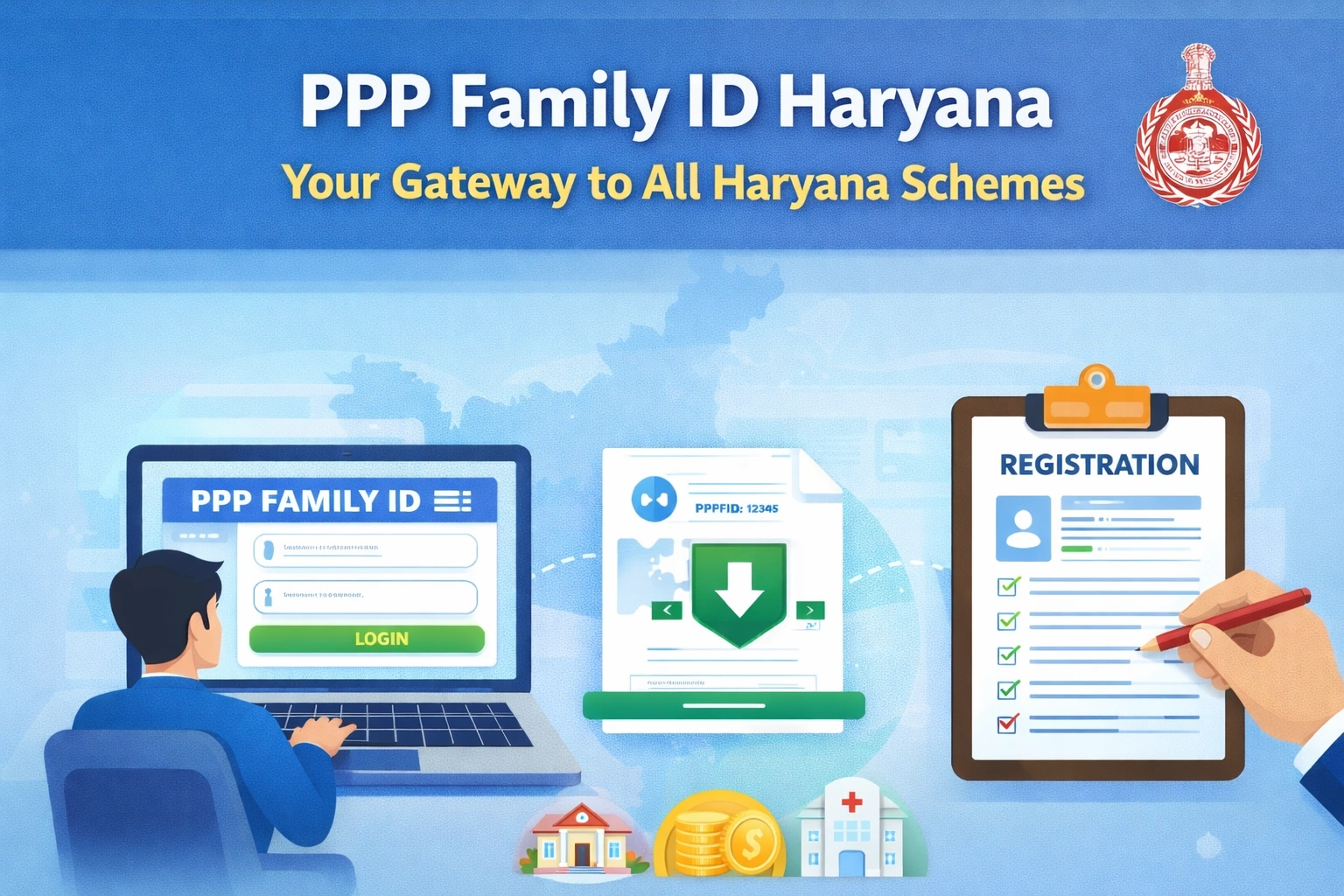
When Should You Add Long Term Guests or Caretaker
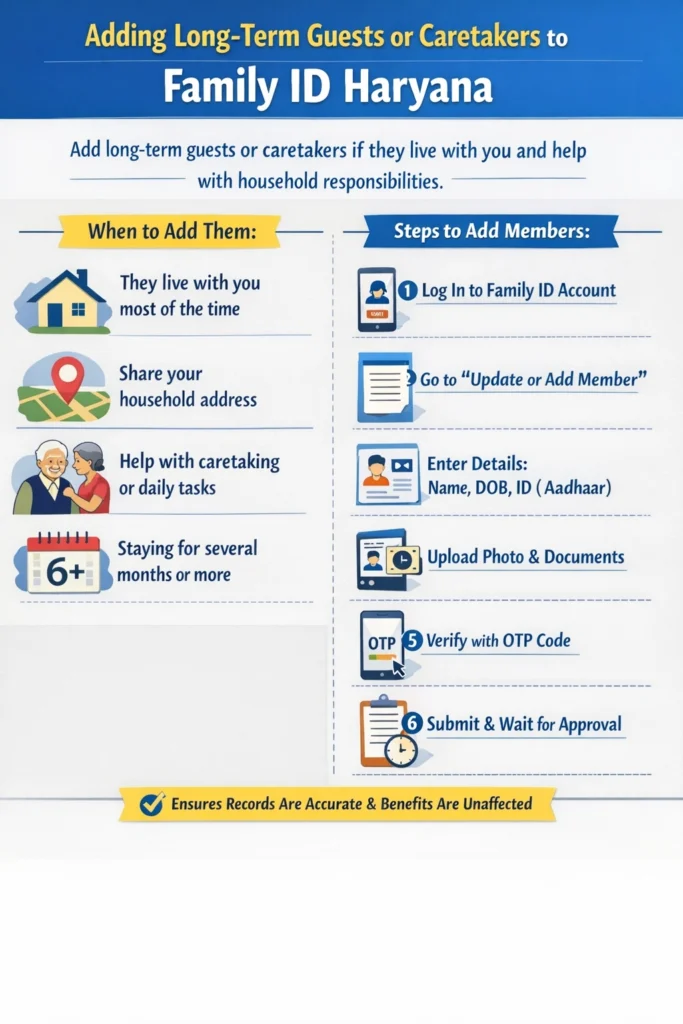
You should think about add long term guests or caretaker to your Family ID if:
They live with you more days than not
They share your household address
They help with caretaking, elderly support, or daily home responsibilities
Their stay is expected to continue for several months or longer
This ensures that your records are accurate and benefits that require household information are not affected.
Step‑by‑Step Process to Add Members
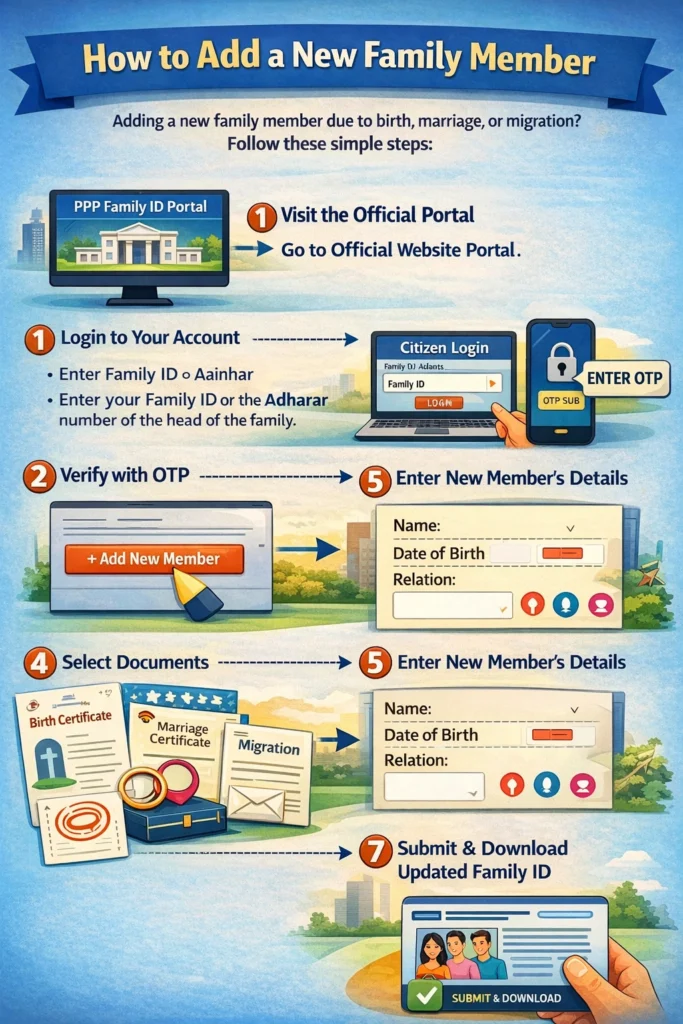
When You Add Long Term Guests or caretaker follows almost the same steps as adding a new family member. Here’s how you can do it:
Log In to Your Family ID Account
Use the government portal for your Family ID and sign in using your registered mobile number and password. Make sure you have access to the mobile number tied to the account for verification.
Go to Update or Add Member Section
Once logged in, find the section labelled Update Family Details or Add Member.
Enter Details of the Person
You will need to fill in:
– Full name
– Date of birth
– Relationship with the head of the family or caretaker role
– Identification details like Aadhaar number (if available)
– A recent photo
Even if someone is a guest or caregiver, you can add their details under the new member section just like you would for a regular family member.
Upload Any Required Documents
Usually you will need a photo and ID document like an Aadhaar card. If the person does not have their own ID yet, check local Family ID rules to see what options you have.
Verify Using Mobile OTP
The system will send a One‑Time Password (OTP) to the phone number registered with your account. Enter the OTP to confirm your request.
Review and Submit
Double‑check all details. Once everything looks correct, submit the request.
Wait for Verification
The government may take some time (often about one to two weeks) to verify documents and approve the addition.
What Happens After You Submit
After you submit a request to add long term guests or caretaker:
It’s normal for verification to take time. Be patient and check your portal status if it doesn’t update quickly.
Tips to Make the Process Easy
Here are a few tips so the update goes smoothly:
Even if someone is not a biological family member, mentioning they are a caretaker or Add Long Term Guests helps clarify their role.
Have ID proofs and photos ready before you start the process.
If you enter a name differently from the person’s Aadhaar or other ID, it may get rejected.
If someone moves out, update the record again so your Family ID always reflects the true household.
Common Questions People Ask
Final Thoughts
To Add Long Term Guests or caretaker details to your Family ID, make sure your information is accurate and updated. With basic details, photos, and a verified contact number, you can easily complete the process and keep your household record ready for any government service or benefit.
Accurate household records help you avoid problems later with welfare services, subsidies, and official applications. Treat your Family ID like a living document — update it whenever significant changes happen at home.


