
Tips to Avoid Portal Errors in PPP Family ID Haryana Guide!
Using the (Parivar Pehchan Patra) PPP Family ID portal to avoid portal errors is an important step toward smoothly accessing government services, benefits, and welfare schemes in Haryana, as many people face issues while checking, updating, or downloading their Family ID details.
The good news is that most of these errors can be avoided with a few easy steps. This guide walks you through smart ways to Avoid Portal Errors or problems so you don’t get stuck or frustrated.
Why Portal Errors Happen
The PPP Family ID system gathers family information like names, Aadhaar data, mobile numbers, and benefit eligibility. If information isn’t correct or the portal doesn’t verify your details properly, errors can show up. Being careful with your info and the steps you take can help stop many problems before they start.
Check Your Details Before You Enter Them
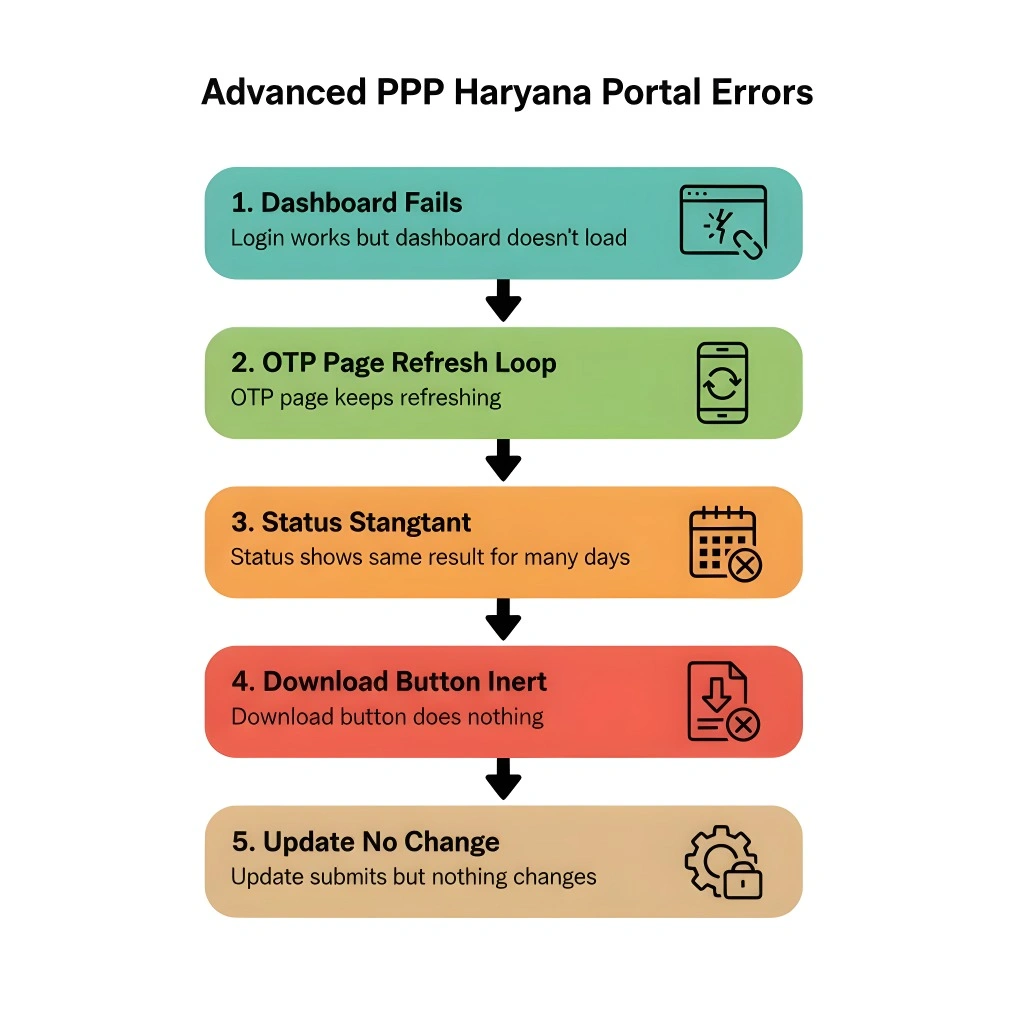
One of the biggest reasons for portal errors is wrong data entry. If names, Aadhaar numbers, or mobile numbers are not typed correctly, the system won’t match your records.
Taking a minute to verify before you submit can save you hours later so you can Avoid Portal Errors. PPP Family ID Helpline Not Responding? Try This Now in 2026 – Find quick solutions when the helpline is not answering your queries.
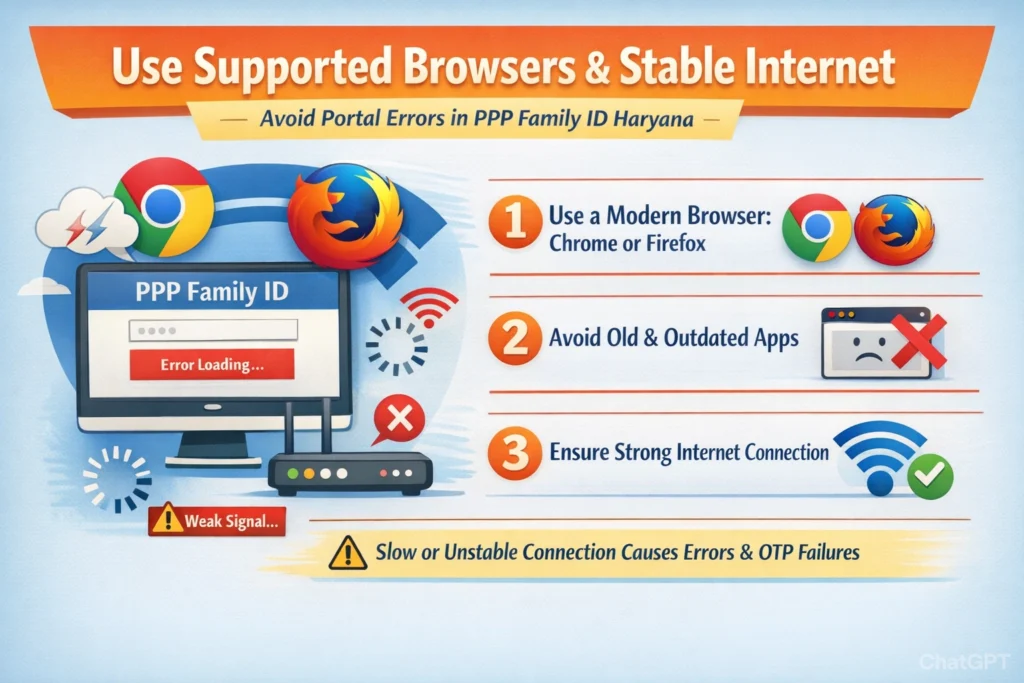
Use Supported Browsers and Stable Internet
Many errors happen because the portal doesn’t load properly or fails to verify OTPs when your connection is slow or unstable.
Use a modern browser like Chrome or Firefox.
Avoid using old or outdated apps to open the portal.
Make sure your internet signal is strong before submitting.
This simple tip prevents many “loading”, “session timeout”, or “verification failed” errors.
Complete OTP Verification Carefully
Most Family ID actions — whether checking, updating, or logging in — require OTP verification. If the OTP doesn’t arrive or is entered incorrectly, the portal will show errors.
✔ Wait for the full OTP message before typing.
✔ Don’t request OTP repeatedly — this can confuse the system.
✔ Make sure your SIM card is active and receiving messages.
Validating OTP on the registered mobile number is key for smooth updates and access.
Update Only When the Family ID Is Active
If your Family ID is still pending, under review, or inactive, avoid submitting updates. The system may reject changes or show errors if the ID is not fully approved yet.
Check your Family ID status before updating.
Wait for “approved” status on the portal.
Attempt corrections only after approval.
This reduces rejection rates and Avoid Portal Errors.
Upload Clear and Correct Documents
If you’re asked to upload proofs — like Aadhaar, birth proof, or relationship certificates — make sure they are clear and readable.
Blurry photos often cause “verification failed” errors.
Scanned copies are better than photos taken in low light.
Match details on documents exactly with the form.
Good quality uploads help the system verify faster and reduce error messages.
Avoid Repeated Submissions
Submitting the same data repeatedly because of impatience can trigger portal issues or duplicate flags.
After submission, wait for confirmation on screen.
Watch for status updates instead of re‑submitting.
Multiple attempts can confuse the verification process.
Patience here saves you unnecessary clicks and errors.
Use a Common Service Centre (CSC) for Help
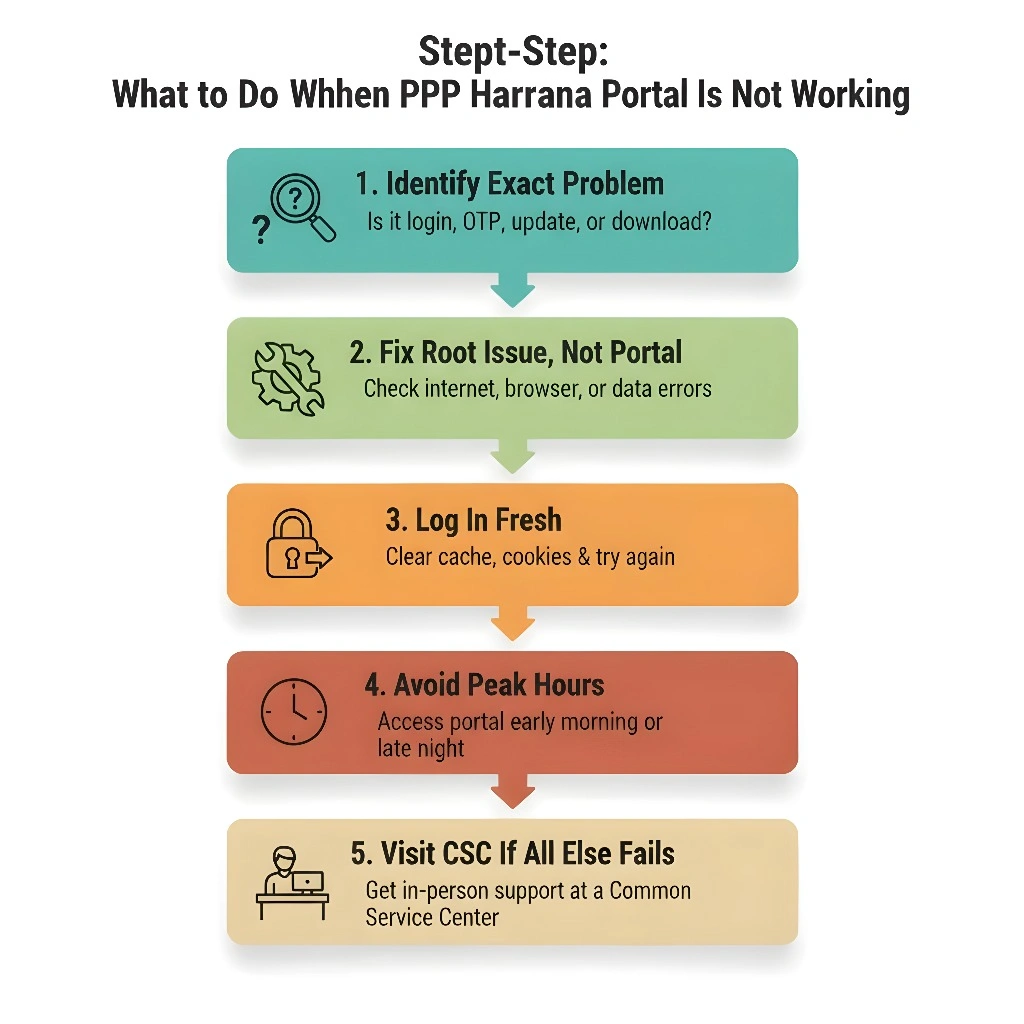
If you keep running into errors online, don’t panic. Many errors are easier to fix in person.
Going physically to a centre often resolves issues that online methods struggle with.
Save Screenshots of Errors
If you get stuck with an error message:
This helps support staff understand the problem faster.
Regularly Review Your Family Details
Even after you fix errors once, it’s smart to review your details now and then.
Check names for spelling mistakes.
Ensure new family members (birth, marriage) are added correctly.
Update mobile number if it changes.
Keeping your data accurate reduces errors over time.
Quick FAQs About Avoid Portal Errors
Final Thoughts
Portal errors on the PPP Family ID system can be annoying, but most are easy to Avoid Portal Errors . The best methods are checking your data before submission, using the correct mobile number, confirming OTP carefully, and using a stable internet connection.


