
Combine Family IDs After Marriage: Process and Documents 2026
After marriage, many couples want to Combine Family IDs (Parivar Pehchan Patra) so they’re in the same family unit in the government database. This matters because the Family ID affects your eligibility for welfare schemes, subsidies, pensions, and other benefits. Combining two Family IDs means updating the data correctly so the system recognizes your new family structure.
In simple terms, you want one Family ID for a married couple instead of separate ones — and here’s exactly how to do it.
Why Combine Family IDs After Marriage?
Combine Family IDs helps with:
Making your husband’s or wife’s welfare benefits easier to manage together
Claiming government schemes that require accurate family records
Avoiding confusion in official databases about where you belong
Family ID treats a household as one unit, so after marriage this update keeps your records correct.
Step‑by‑Step Process to Combine Family IDs
Check Current Family IDs
Before starting, note down both your existing Family IDs. You’ll need these numbers during the update.
You can check your Family ID through your Aadhaar on the PPP Family portal or with help at a CSC (Common Service Center) near you.
Update Marital Status
Change your marital status from “unmarried” to “married” in your Family ID details.
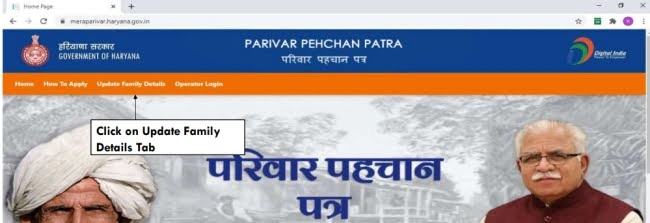
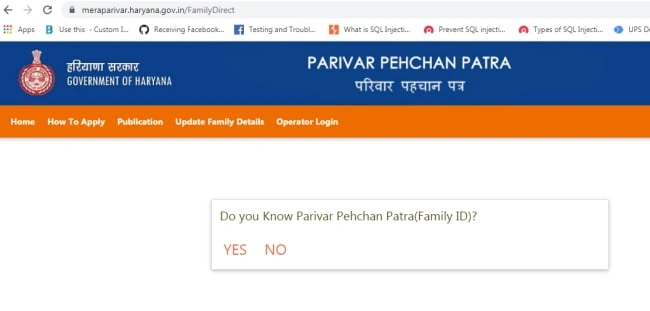
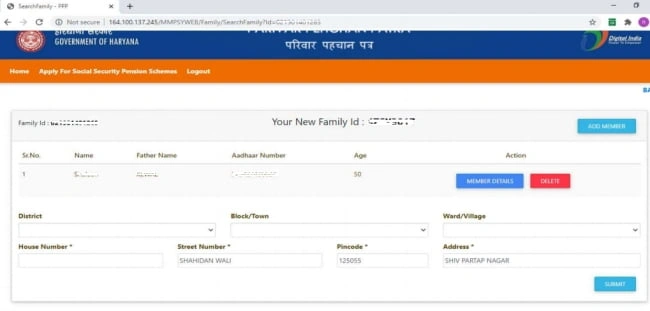
1.Visit the PPP portal or take your documents to a service center.
2.Enter your Family ID and the Aadhaar number of your spouse.
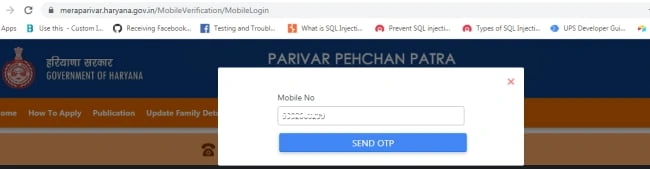
3.Confirm the information through OTP verification on your registered mobile.
4.f your marriage is registered in Haryana, the system can verify it automatically; otherwise, you upload your marriage certificate and spouse details manually.
Once approved, your marital status changes and your spouse’s name gets added under your Family ID profile.
Step 3: Use the Merge/“Merg” Module
The PPP portal now has a merge feature that allows merging one Family ID into another in special situations. After you update marital status, this merge option helps put both spouses in the same Family ID.
This feature may be done:
1.With help from an authorized PPP operator at a CSC or
2.Through a government portal function if available
Some recent updates now even allow adding the spouse’s name without requiring a marriage certificate, making the process simpler for newly married couples.
Step 4: Submit and Wait for Verification
Once you apply to combine Family IDs, the system verifies all details. This verification may take a few days. After approval, both spouses will appear under the same Family ID.

Documents Required
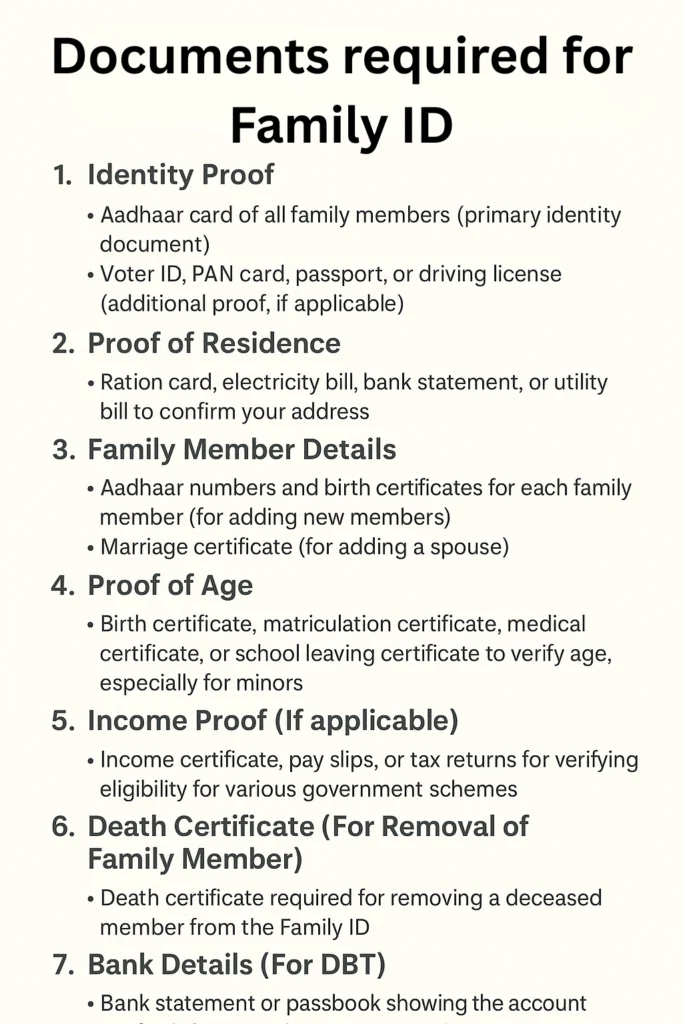
To successfully Combine Family IDs, gather the following:
Having clear and valid documents makes the verification faster and smoother — and an important point foreigners must know.
Common Problems and Solutions
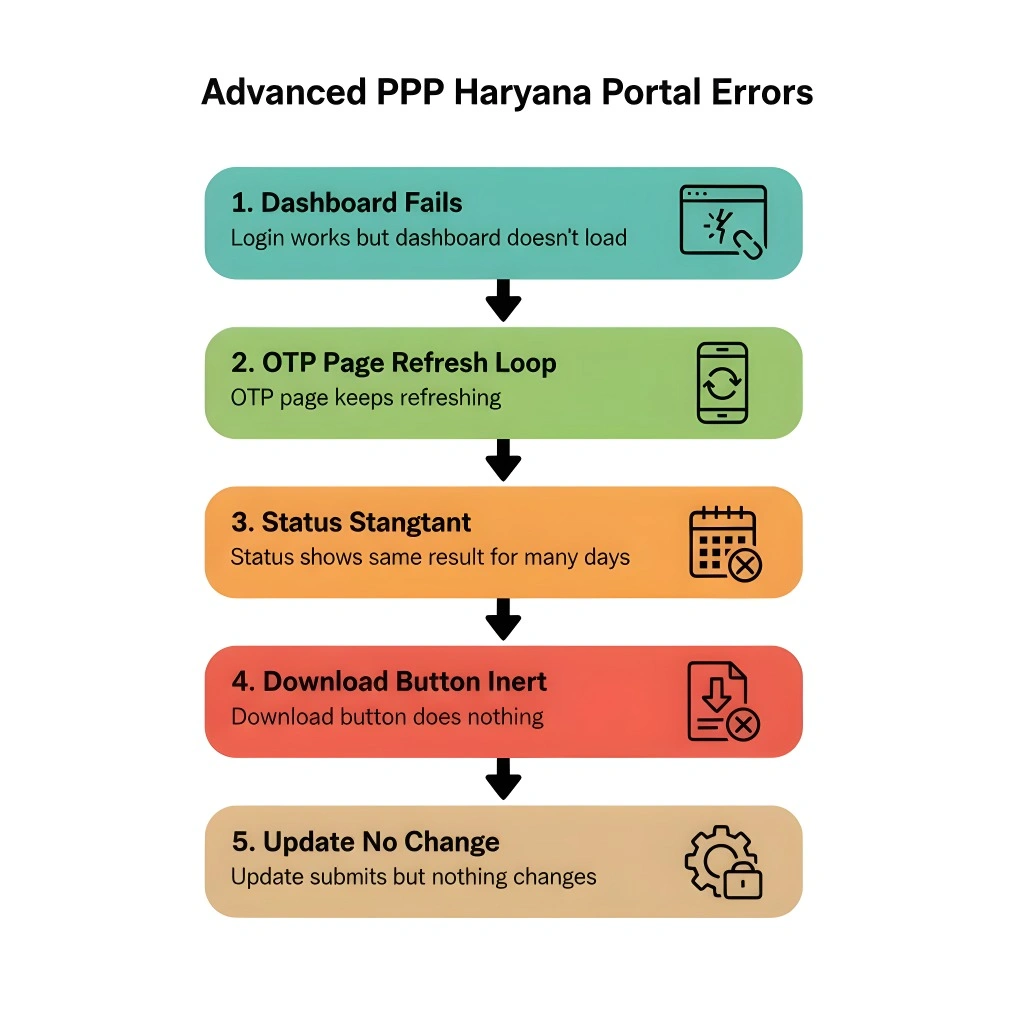
If the portal doesn’t allow automatic entry, go to a Common Service Center with your documents. The operator can help with manual merge or marital status updates.
Ensure the mobile number is active and linked with your Aadhaar. If not, update the mobile number first before trying again.
If your marriage is registered outside Haryana, the portal may ask you to submit your marriage certificate and spouse Aadhaar details manually. That’s normal and part of verification.
Tips to Make It Smooth
FAQs (Simple Answers)
Final Thoughts
Combine Family IDs after marriage ensures your family information stays clean, accurate, and up to date in the government system. It’s not complicated if you know the steps, have the right documents, and follow the process carefully. If you’re stuck at any stage, going to a Common Service Center usually gets it done faster


