
How to Check Family ID Fraud: Signs, Tools & Prevention 2026
Your Haryana Family ID(Parivar Pehchan Patra / PPP) is a powerful tool for accessing government benefits and services. However, Family ID fraud can occur if someone uses it without your permission. Identity misuse and data abuse are real risks, so knowing how to spot Family ID fraud early can save you time, money, and stress.
In this article, we’ll cover the signs of fraudulent use, steps to check it, and tips to prevent it — all in a straightforward way that’s easy to follow.
What Is Fraudulent Use of Your Family ID?
Fraudulent use means someone else is using your Family ID data — without your knowledge — to access benefits or services, apply for schemes, or impersonate you in government systems. This kind of misuse often happens when personal information overlaps with other IDs like Aadhaar. Identity fraud is a growing concern as more services go digital, and scammers look for ways to exploit personal details.Fraud detection is crucial for anyone using PPP-integrated services.
Signs Your Family ID Might Be Used Fraudulently
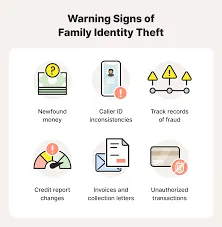
Here are some common warning signs that something might be wrong:
Unusual Status Changes
If your Family ID status changes unexpectedly — for example, benefits marked as claimed or updated that you didn’t request — that’s a red flag.
Incorrect or New Linked Services
Seeing services linked to your Family ID that you didn’t apply for, like utility subsidies or scheme approvals, can mean someone else has accessed your profile.
Unexpected Communications
If you get messages or emails about updates, approvals, or actions you didn’t make, take notice. This could mean someone is trying to use your credentials.
Your Data Doesn’t Match What You Entered
Seeing someone else’s name, benefits, or information in your portal indicates misuse.
Other Identity Red Flags in Your Digital Life
Outside of Family ID, signs like unknown bank transactions, unfamiliar account activity, or unexpected changes to Aadhaar‑linked services can also suggest identity misuse.
How to Check If Your Family ID Has Been Misused
Because Family ID itself doesn’t have a public Family ID fraud‑alert system yet, you’ll need to rely on indirect checks and related data points:
Review Your Family ID Details Often
Log in to your Family ID account periodically and check:
If anything looks unfamiliar, make a note.
Check Related Identity Sources
Since Family ID often uses Aadhaar for authentication and verification, problems with your Aadhaar usage can hint at broader fraud:
Watch for Strange Behaviour in Services
If you find unexpected service approvals, scheme claims, or changes in linked utilities, follow up immediately through official support channels. Make sure minors are added/removed correctly in Family ID to avoid misuse.
Use Digital Safety Tools
Apps and services that show authentication history or active sessions can help you spot unauthorized access linked to Family ID fraud. In serious cases, police and cybercrime agencies also provide online reporting portals to report identity theft and Family ID fraud.
Tips to Prevent Family ID Fraud
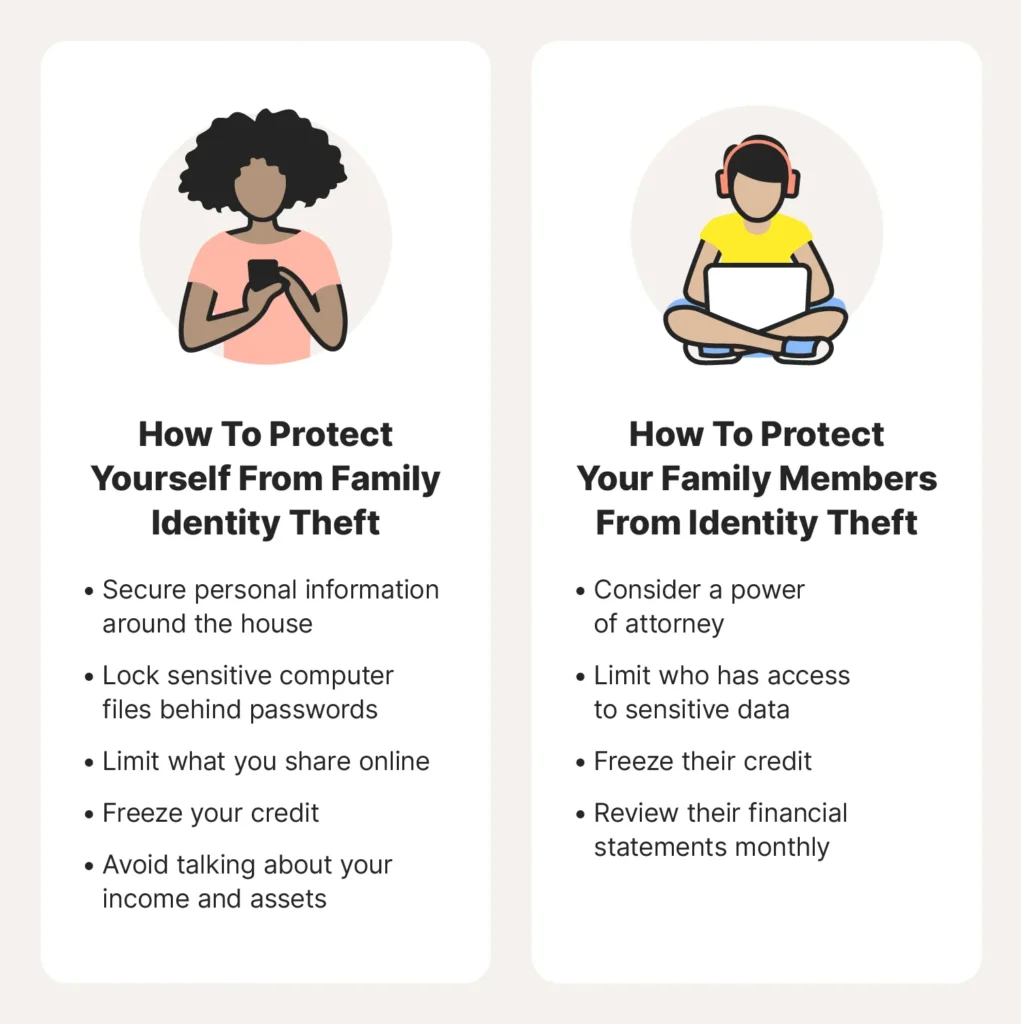
Prevention is always better than fixing a problem later. Here’s how you can reduce the risk of your Family ID being misused:
Never share your login credentials, OTPs, or passwords with anyone.
Your Family ID often relies on Aadhaar and your mobile number for secure access. Keep these updated and protect them.
If services offer options to secure your account further, like additional verification steps, enable them.
Sharing sensitive documents (like scanned IDs) on unclear platforms can risk leaks.
A Common Service Centre (CSC) can help verify if your data was changed incorrectly.
What to Do If You Suspect Family ID fraud
If you think someone used your Family ID without permission:
Check Your Data Right Away
Log in and note what looks wrong.
Change Credentials Where Available
If secure login options allow it, update your password/OTP settings.
Report Through Official Channels
Reach out to the authorities or cybercrime help desks in your area to file a report.
Keep Evidence
Save screenshots, reference numbers, and messages that show suspicious activity. These help if you need to dispute the misuse.
In broader cases of identity misuse (like Aadhaar or other linked services), reporting helps prevent future Family ID fraud too.
Frequently Asked Questions
Conclusion
Watching out for fraudulent use of your Family ID doesn’t have to be complicated. By checking your account regularly, keeping your login details secure, and understanding the early signs of misuse, you can protect your identity and benefits. Always stay proactive — a small check today can save a lot of trouble tomorrow.


