
Simple Guide to Update Haryana Family ID (PPP) Online Steps
The Haryana Family ID or Parivar Pehchan Patra (PPP) helps streamline access to various government services. Over time, your family details may change due to factors like births, marriages, address changes, or other life events. To continue receiving benefits without any interruptions, it is important to “Whenever such changes occur, you should update Haryana Family ID.” Keeping your Family ID up-to-date ensures continued access to benefits. This article will guide you through the process of updating your Haryana Family ID, highlighting the essential steps and documents required for making changes.
Documents Required to Update Family ID in Haryana
Different updates require different documents. Some commonly required documents include:
Steps to Update Haryana Family ID
To ensure your Haryana Family ID remains accurate, follow these simple steps:
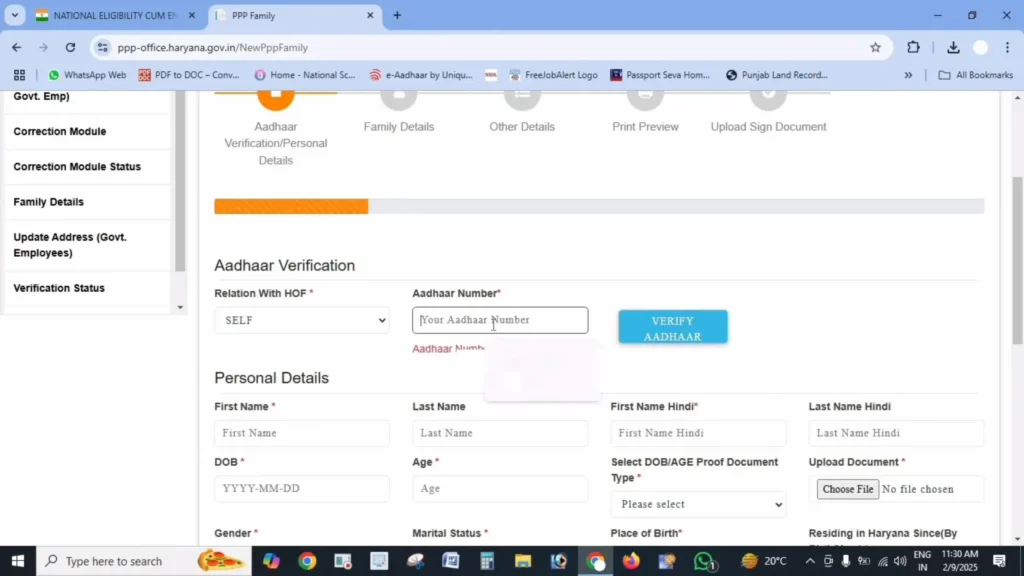
Log in to the Official Portal
Visit the official PPP Haryana Website and log in using your Family ID and OTP verification.
Navigate to the Update Section
Once logged in, go to the “Update Family Details” or “Correction Module” in your dashboard under the Family Details tab.
Choose the Type of Update
Select the appropriate update option based on your requirements, such as adding a family member, removing a member, or changing personal details.
Enter New Information
Provide the updated details and upload necessary supporting documents.
Submit and Verify
Review the entered information, submit the request, and verify with OTP if needed.
Track Your Update Status
After submission, note down the reference number for future tracking and updates on the status.
Types of Updates You Can Make
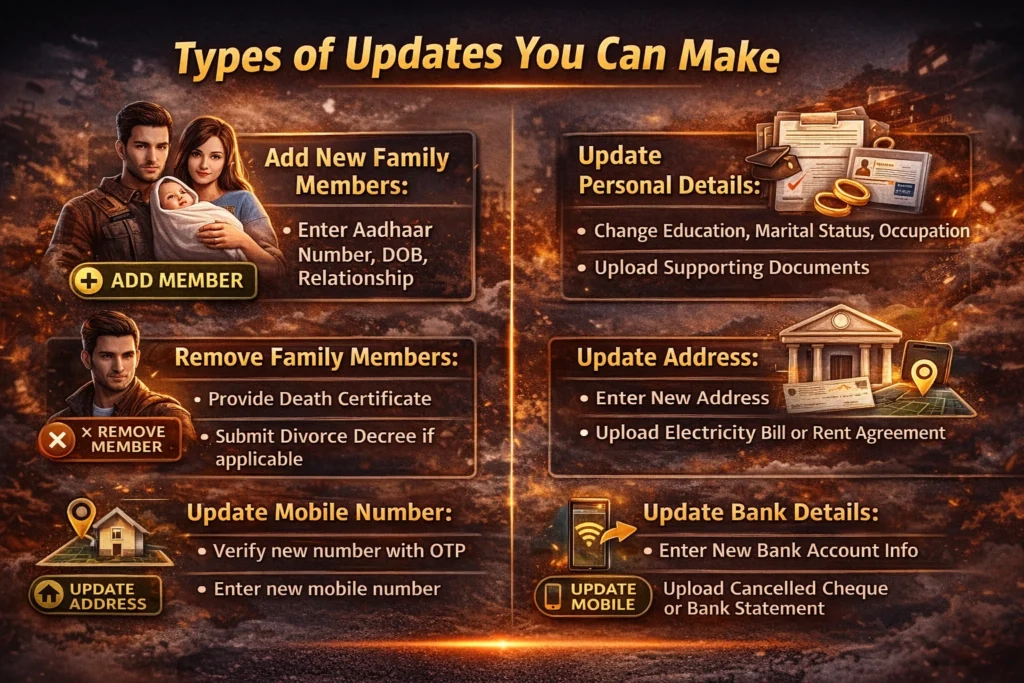
You can update Haryana Family Changes various details on your ID, including:
If you have new additions to your family, such as a child or spouse, follow the “Add Member” option. Provide their Aadhaar number (if available), name, date of birth, relationship with the head of the family, and supporting documents like the birth or marriage certificate.
In cases like death or separation, you can remove family members by selecting the “Remove Member” option and providing relevant documents like a death certificate or divorce decree.
This includes changes in educational qualifications, marital status, occupation, etc. Provide proof for each update, such as educational certificates, marriage certificates, or employment ID.
If your family has moved to a new address, use the “Update Address” option. Provide proof such as an electricity bill or rent agreement.
To change the mobile number linked to your Family ID, select “Update Mobile Number,” verify with OTP, and enter the new number.
If there are changes to your bank account for direct benefit transfers, use the “Update Bank Details” option and provide necessary documents like a canceled cheque or bank statement.
Important Tips for Successful Updates
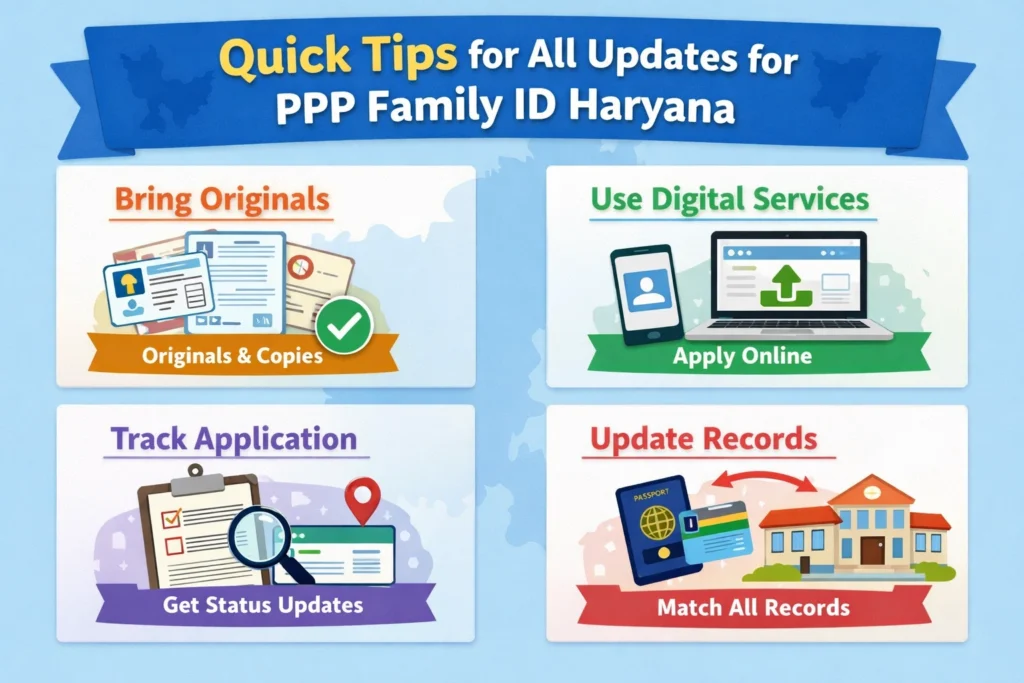
Document Quality: Ensure that all uploaded documents are clear and in PDF format under 200 KB.
Accurate Information: Double-check the entered details to prevent rejections.
Verify Regularly: Track the update status via the portal to ensure timely processing.
Patience: Updates typically take 7-15 days depending on the nature of the change.
How to Check Haryana Family ID Update Status
After submitting an update request, you can easily check the status online.
Steps to check status
Visit the official Mera Parivar portal
Login using your Family ID or registered mobile number
Open the Application Status or Track Request section
Enter the reference number
View whether the request is pending, approved, or rejected
If there is any issue, you can contact the nearest CSC or Saral Kendra.
Can Haryana Family ID Be Updated Offline
Yes, Haryana Family ID can also be updated offline.
If you are unable to update details online, you can visit a nearby Common Service Centre or Saral Kendra. Officials at these centres will help you submit the update request and upload documents through the government portal.
Make sure to carry your Family ID number and required documents while visiting the centre.
Is Updating Haryana Family ID Free
Yes, updating Haryana Family ID online is generally free of cost when done directly through the official portal.
However, if you visit a Common Service Centre for assistance, a small service charge may be applied for document scanning or submission support.
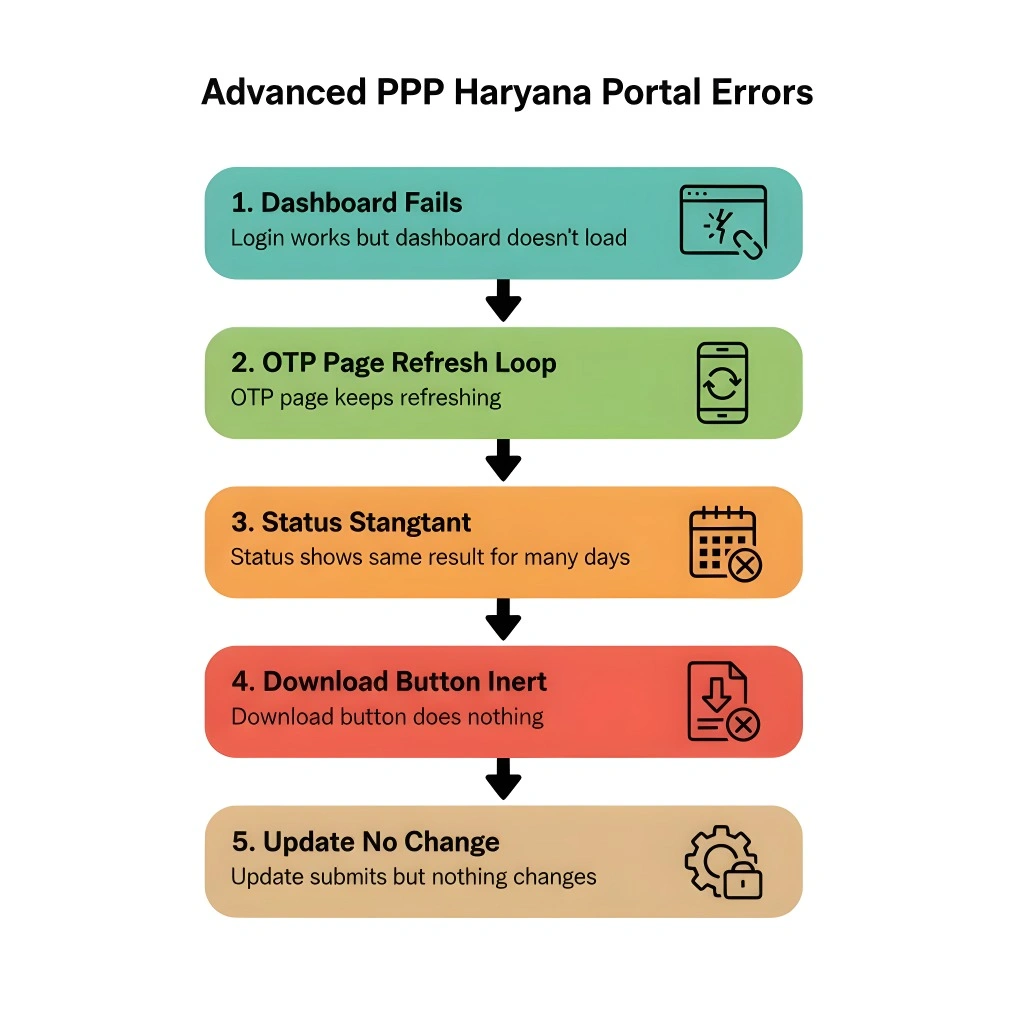
Common Issues and Solutions
Check the rejection reason provided on the portal and make the necessary corrections before resubmitting.
Ensure that the documents are in the correct format and under the size limit. Compress large files if needed.
Ensure your mobile has network coverage. Visit the nearest Saral Kendra for further assistance if the issue persists.
If you can’t locate the update section, try clearing your browser cache or using a different browser.
Automatic Update Haryana Family ID
Some events like births, deaths, and marriages may automatically update your Haryana Family ID. However, it’s essential to verify these updates manually to ensure accuracy. If any updates are missed, you can correct them via the portal or Download Haryana Family ID to keep a copy of the latest information for reference.
Finalizing the Update Process
Once you have made the necessary updates and the changes are processed, you will receive an SMS notification. You can then print the Update Haryana Family ID from the portal, which may need to be signed by the head of the family for certain services. Ensure the signed copy is uploaded back to the portal to complete the update process.
Important Links to Update Haryana Family ID Online
FAQs
Conclusion
The Haryana Family ID (Parivar Pehchan Patra) is a vital tool for accessing government services and benefits. By keeping your Family ID updated, you ensure that your family continues to benefit from state-sponsored schemes.
The process of Update Haryana Family ID is simple and free, but it’s important to ensure that all details are accurate and supported by the necessary documentation. Always track your update status and maintain a current copy of your Family ID for quick access when needed.


